
How I Create Dreamy Ambient Music From Scratch in Less Than 10 Minutes
Today, we're diving in deep into the world of the ethereal, the hall of the heavenly, the annals of ambience. Today, we're going to discover how to create dream

Key Takeaways
- Stock presets become powerful ambient textures with simple MIDI editing and EQ adjustments
- Use fingerpicking instead of picks for softer guitar attacks that blend into ambient mixes
- Layer background atmosphere samples like rain throughout your entire song for immersive depth
- Build custom synth pads using detuned saw waves with slow attack envelopes and heavy reverb
Ever feel like your tracks are stuck in boring land? Like they need something… more?
Ambient soundscapes might be exactly what you’re missing. They can transform your song from normal to dreamy, ethereal, and deeply emotional — and the best part? You can create mind-blowing ambient textures in less than 10 minutes.
I’m going to show you four different techniques I use to craft ambient soundscapes that will blow your listener’s mind. Whether you’re making chill beats, indie tracks, or just want to add another layer of depth to your music, these methods will change how you approach atmosphere in your productions.
I also made a full video on this…
All the ideas in this article come from the video below. If you don't feel like reading, well, I gotchu.
Part of the DAWs & Production Software series — For the full picture, read my full DAW comparison guide.
Why Add Ambience to Your Tracks?
Before we dive into the techniques, let’s talk about why you’d even want ambient elements in your music.
Ambience changes everything. It shifts the atmosphere and mood of a track through background sounds, tonal textures, reverb, and other effects. Because of its potent emotional impact, ambience is widely used for meditation, yoga, massages, and even therapy.
But here’s the thing — those specific uses don’t mean we can’t incorporate ambience into our regular music. Whether you’re crafting songs specifically for relaxation or just want to add emotional depth to your tracks, ambience can be the perfect choice.
The right ambient elements can:
- Improve moods and create emotional connection
- Increase concentration for the listener
- Boost creativity in your productions
- Add realism to your overall sound
Ready to learn how to add that unmatched emotional element? Let’s get into it.
Overview: Four Ambient Techniques
Here are the four methods we’ll cover, from easiest to most advanced:
- Tweaking stock presets — quick wins with built-in sounds
- Ambient electric guitars — organic textures with real instruments
- Sampling — atmospheric elements from existing recordings
- Custom building sounds — crafting unique ambient textures from scratch
Each technique has its own strengths. If you’re just starting out, focus on the first two. If you want maximum creative control, stick around for technique four — it’s my personal favorite.
Technique 1: Tweaking Stock Presets
I know, I know — nobody gets excited about stock presets. They’re not nearly as cool as some of the other methods on this list.
But what if I told you that with a few tweaks, you could turn that stock preset into a gourmet experience?
Finding Hidden Gems in Logic
Logic actually has some decent stock preset sounds, whether you realize it or not. Here’s how to find them:
- Open a new software instrument track
- Click on Synthesizer > Soundscape
- Browse through the atmospheric presets
All of these presets are atmospheric sounds you can add to your track to give it movement and texture. Don’t overthink it — just audition a few and pick one that fits your vibe.
Recording and Refining Your Choice
Once you’ve found a preset you like, record a simple chord progression or sustained notes. Here’s where the magic happens in post-production:
Quantization is key. After recording, select all your MIDI notes (Command+A) and quantize them (Q) so they’re perfectly on beat. This creates a more professional, intentional feel.
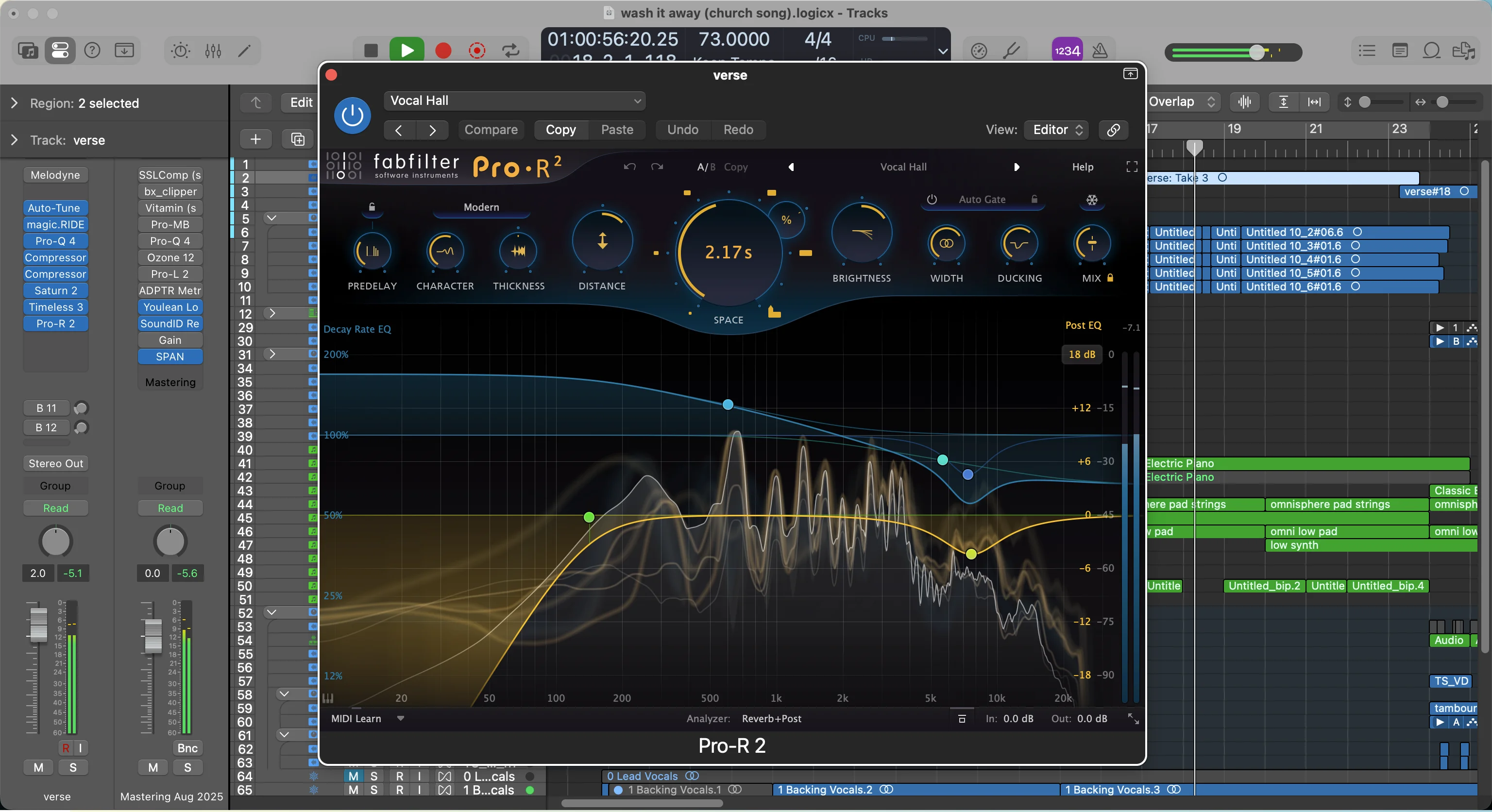
Extend the sounds. Go through your MIDI and extend notes so they flow throughout sections. You’re not looking for forced legato, but you want to fill in gaps and create continuity.
EQ and Fine-Tuning
Most stock presets need a little love to sit properly in your mix. Here’s what I typically do:
Jump into the synthesizer’s interface (like Alchemy in Logic) and remove low-end frequencies that might muddy up your mix. You want to leave room for bass, drums, and other foundational elements.
Pro tip: You can also use the built-in modulation controls to tweak the sound further. Don’t be afraid to move parameters around until you find something that fits perfectly.
The takeaway: Stock presets are just starting points. With some MIDI editing and basic EQ, they can become legitimate ambient textures for your tracks.
Technique 2: Ambient Guitars
Now we’re cooking with gas. This method is my second favorite way of creating soundscapes (I’ll reveal my favorite last).
There’s something so organic about playing a real guitar that just can’t be replicated with plugins. The natural variations, the physical interaction with strings — it all adds up to incredibly authentic ambient textures.
Setting Up Your Ambient Guitar Sound
Logic has presets specifically for this. Navigate to Electric Guitar and Bass > Experimental Guitar and browse through the options. These presets are designed for atmospheric guitar sounds, so they’ll handle most of the heavy lifting.
The key is finding one that fits your track’s mood and key. Don’t spend forever auditioning — trust your gut and move forward.
Playing Techniques That Matter
Here’s where technique makes all the difference:
Use your fingers, not a pick. This creates softer attack transients that blend better with ambient textures. Sharp pick attacks can pull listeners out of that dreamy, atmospheric experience you’re creating.
Play sustained notes and chords. Think more about texture than melody. You want sounds that fill space and create mood, not catchy guitar riffs.
The Secret Weapon: Guitar Slides
Here’s my secret weapon for ambient guitars — guitar slides.
Slides give you that undeniably atmospheric sound that screams “professional ambient production.” The way notes glide into each other creates movement and emotion that’s hard to achieve any other way.
Set up a second guitar track with the same preset and record some slide work over your finger-picked foundation. The combination of sustained fingerpicked chords and sliding melodic elements creates incredible depth.
The takeaway: Real instruments bring organic life to ambient productions. Combine fingerpicking with slide techniques for maximum atmospheric impact.
Technique 3: Sampling
Sampling is an easy but powerful technique for creating atmospheric sounds and dreamy soundscapes. This is what I’d recommend for beginning producers who are still learning the ropes.
It’s not as powerful as building sounds from scratch (my favorite method), but it’s quick and effective for adding professional-sounding ambient elements.
Finding the Right Samples
You can source samples from anywhere, but I typically use Splice for quick access to high-quality atmospheric elements. For ambient work, look for two specific types of samples:
- Vocal ambience — processed vocal textures, choirs, or wordless vocal elements
- Background atmosphere — rain, wind, vinyl crackle, field recordings
These two categories cover most of your ambient sampling needs.
Layering Background Atmosphere
Continuous background noise is a common element in ambient tracks. It makes everything sound more realistic and immersive.
Rain sounds are perfect for this. They create the illusion that you’re listening to the track while it’s raining outside, adding mood and vibe that supports your other elements.
Here’s how to use background atmosphere effectively:
- Keep it subtle — background elements should enhance, not distract
- Loop throughout the entire song — consistency creates immersion
- EQ appropriately — usually you’ll want to roll off some low-end to avoid mud
Working with Vocal Samples
Vocal ambient samples don’t need to be perfectly in time with your track. In fact, slightly off-beat vocal textures often add to the dreamy, floating feeling you’re going for.
When you find a vocal sample you like:
- Match the key of your track (use Logic’s built-in pitch correction if needed)
- Layer it subtly behind your other elements
- Don’t overthink the timing — ambient vocals can float freely
The takeaway: Sampling gives you instant access to professional atmospheric elements. Focus on background textures and subtle vocal layers for maximum impact.
Technique 4: Custom Building Sounds (My Favorite Method)
Finally — we’ve made it to technique number four, my absolute favorite method for creating ambient soundscapes.
Building sounds from scratch is by far the most powerful way of creating dreamy ambient textures. This method has the highest learning curve, but it delivers the most specific results. Having full control over every aspect of the sound allows for maximum creativity.
We’re going to use Serum for this, but the principles apply to any advanced synthesizer.
Starting with the Right Oscillators
For ambient sounds, I’m looking for something smooth and round that also cuts through the mix. Here’s my typical starting approach:
Oscillator A: Set to a saw wave, bump the unison up to 7 or 8 voices. Adjust the detune and blend to taste — this creates width and richness.
Oscillator B: Choose an analog-style saw wave (like the Juno saw in Serum). This adds warmth and vintage character to complement the modern unison saw.
The combination gives you width from the unison and warmth from the analog modeling.
Envelope Shaping for Ambient Feel
Attack envelope is crucial for ambient sounds. Push the attack up so notes fade in slowly rather than starting immediately. This creates that signature “breathing” quality that ambient music is known for.
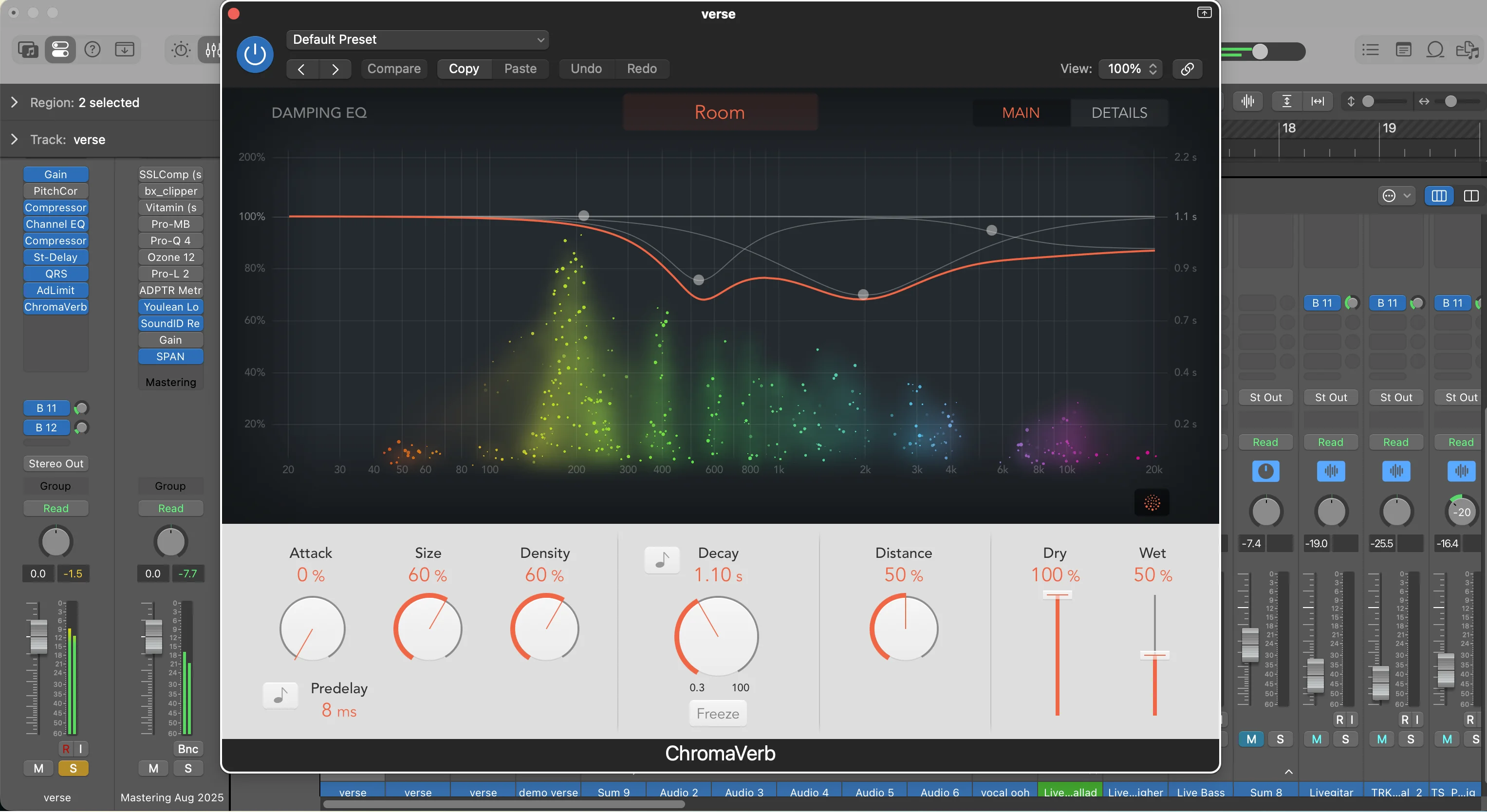
Set a nice peak and release so notes gradually come in and fade out naturally. This helps everything blend together seamlessly.
Add portamento (around 100 milliseconds) so notes glide into each other. This creates smooth transitions between chords and adds to the floating, dreamlike quality.
Filtering and Movement
Most ambient sounds need filtering to sit properly in a mix:
- Use a 24dB low-pass filter
- Set the cutoff around 1,600 Hz (adjust to taste)
- Add some drive for subtle harmonic saturation
For movement and life, use LFOs to modulate the filter cutoff. Set the LFO to a slow rate so the filter opens and closes gradually over time. This creates breathing, organic movement that keeps the sound interesting.
Effects Chain for Ambient Magic
Here’s my typical effects chain for ambient synth sounds:
- Distortion — subtle saturation for warmth
- Chorus — adds width and shimmer
- Multiband compressor — controls dynamics across frequency ranges
- Reverb — lots of it, with a long decay time
The reverb is especially important. Ambient sounds live in reverb — don’t be afraid to use more than you think you need.
Recording Your Custom Ambient Sound
Once you’ve crafted your sound, record some sustained chords or melodic lines that complement your existing track. Focus on:
- Long, sustained notes that fill space
- Simple chord progressions that support the mood
- Melodic lines that float above the other elements
The takeaway: Building custom ambient sounds gives you complete creative control. Start with detuned saws, shape with envelopes and filters, and don’t skimp on the reverb.
Putting It All Together
Each of these four techniques brings something unique to your ambient toolkit:
- Stock presets get you started quickly with minimal effort
- Ambient guitars add organic, human texture that plugins can’t replicate
- Sampling gives you instant access to professional atmospheric elements
- Custom synth work provides unlimited creative control and unique results
The real magic happens when you combine these techniques. Layer a custom synth pad with some ambient guitar work. Add rain samples behind stock presets. Build tracks that use all four approaches for maximum depth and interest.
Your Next Steps
Want to dive deeper into professional vocal production techniques? Check out my Pro Vocals in 60 Minutes course, or grab my Vocal Magic presets for instant professional vocal sounds in any DAW.
For free resources to enhance your productions, visit my free downloads page — I’ve got vocal presets, sample packs, and production tools that’ll take your tracks to the next level.
Now stop reading and start creating. Your tracks are waiting for that ambient magic that’ll transform them from ordinary to extraordinary.
What ambient techniques are you going to try first? Drop a comment below and let me know — I’d love to hear the atmospheric landscapes you create.
Want a professional starting point? My Vocal Magic presets give you ready-made vocal chains for any genre — EQ, compression, reverb, and more, all dialed in and ready to go.
Or grab my free vocal presets to try before you buy.
About Mattie
Mattie is a music producer, songwriter, and educator specializing in Logic Pro and vocal production. With over 10 years of experience in the music industry, he's helped thousands of artists transform their home studio recordings into professional-quality tracks.
As the founder of Music By Mattie, he creates tutorials, presets, and courses that simplify complex production techniques. His mission is to make professional music production accessible to everyone, regardless of budget or experience level.