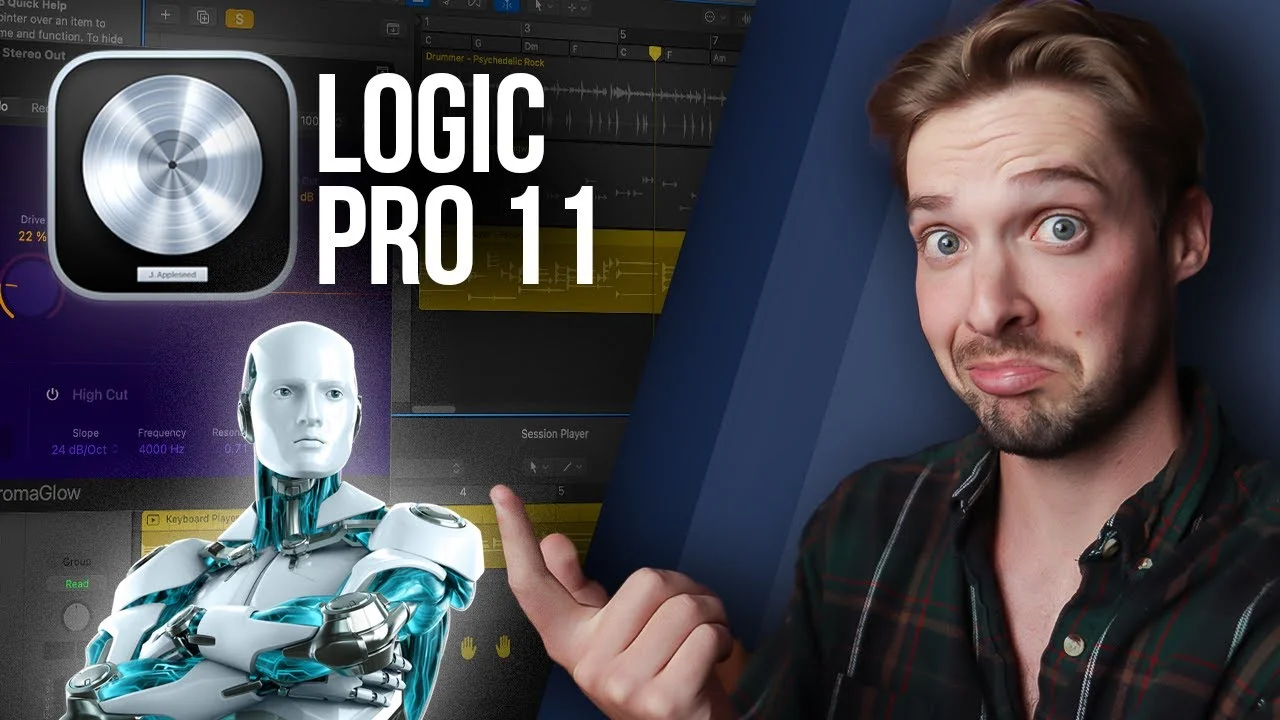
AI is TAKING OVER LOGIC PRO!! || New Logic Pro 11 Walkthrough!
Logic Pro 11 is here and AI is taking over. In this latest rendition of Logic Pro, Apple has released some brand new AI features such as a stem separation tool,

Key Takeaways
- Logic's stem separation tool splits mixed tracks into individual parts in 20 seconds.
- AI session players need Global Chords setup to play your actual chord progressions.
- Use Chroma Glow distortion at 20-50% for best vintage warmth without harshness.
- The Push/Pull knob gives human timing feel by moving drums slightly off-grid.
- These AI features help beginners more than experienced producers who know their sound.
Logic Pro 11 just dropped with a massive wave of AI-powered features that are about to change how you make music.
We’re talking stem separation, AI session players, an upgraded AI drummer, and even an AI distortion plugin. But the real question is: do these actually sound good, or is this just Apple jumping on the AI bandwagon?
I’ve been testing these features for a while now, and I’ve got some strong opinions to share.
I also made a full video on this…
All the ideas in this article come from the video below. If you don't feel like reading, well, I gotchu.
Part of the DAWs & Production Software series — For the full picture, read my full DAW comparison guide.
The Stem Separation Tool That Actually Works
Let’s start with the feature that had me most excited — stem separation.
Stem separation tools have been blowing up lately because AI finally made it possible to take a fully mixed track and split it into individual parts. This is a game-changer for remixes, vocal isolation, drum sampling, and so much more.
Using Logic’s stem separation tool is stupidly simple:
- Load in any fully mixed track
- Right-click and go to Processing > Stem Separation
- Logic prompts you with which parts you want to include (I recommend all of them)
- Hit go and wait about 20 seconds
Seriously — I’ve never had this take longer than 20 seconds. That’s insane when you think about what it’s actually doing.
Once it’s done, you can solo each individual track and hear each part by itself. The audio quality is pretty solid, though Logic doesn’t nail it 100% of the time. Sometimes you’ll hear bleed from one section into another, and occasionally soloing one stem sounds weird without the others.
But here’s the thing — the stems are absolutely good enough for vocal remixes or sampling drum kits. Just make sure you’re sampling the parts that sound clean, not the ones with obvious bleed or artifacts.
My verdict: Thumbs up. This feature alone makes the update worth it for anyone who does remixes or sampling.
AI Session Players — The Robot Band
Now we get into the meat of this update: AI studio session players.
Logic dropped an AI keyboardist, AI bassist, and completely revamped the AI drummer. These will instantly create MIDI tracks for your song, and they’ve recorded six new basses and three new pianos to go with them.
Fair warning — this whole update takes around 10GB for all the new sounds. Make sure you’ve got the space.
The Updated AI Drummer
If you’ve used Logic’s drummer before, this will feel familiar but way more powerful.
Load in a drummer track, double-click it, and you’ll see the interface got a serious upgrade. You can still select your genre and drummer style like before, and switch between drummer, keyboardist, or bassist using the same interface.
Want to change the drum kit sound? Just grab another one from the Library tab. The pattern stays the same, but the sounds completely transform.
The Complexity and Intensity knobs work similar to before — complexity adds or removes instrument hits to make the beat simpler or busier, while intensity controls the velocity and loudness of the hits themselves.
You can still click the instrument icons to include or exclude them from the groove, but now there’s a Groove selector that lets you fine-tune your drum pattern. Click into any groove and you can completely change the preset pattern. These groove patterns work the same for the AI bassist and keyboardist too.
New Controls That Actually Matter
The Fill Amount and Fill Complexity knobs replaced the single fill knob from before — way more control over how busy your fills get.
There’s also a Swing knob if you want to add some groove to your track.
But my favorite new feature? The Push and Pull knob.
This moves your drum beat either slightly past the grid or slightly before it. It gives you insane control over the groove and feeling of a song. Pull it and your drums lag behind the click. Push it and they rush ahead.
This works for the keyboardist and bassist too, and it’s perfect for adding that human feel that programmed drums usually lack.
The Details panel changes depending on your drummer type. Acoustic drums get Ghost Notes (which adds incredible realism), while electronic kits get complexity meters and phase variation for individual instruments.
There’s also a Humanize knob that makes your drums less perfect, and a Dynamics knob that controls the volume difference between your loudest and softest hits.
The coolest feature? The Manual section where you can literally tap in the drum beat from your head, and Logic handles the rest.
AI Bassist and Keyboardist — Game Changers or Gimmicks?
The bassist and keyboardist share a lot with the drummer but have their own unique features.
You’ll see the same Complexity, Intensity, Groove patterns, Fill controls, and Swing knobs. But the middle panel is where things get different — you get Melody, Octaves, and Phrasing controls that all affect the final sound.
Global Chords — The Secret Sauce
Here’s where it gets interesting. To make your AI bassist actually play the chords you want, you need to use Logic’s new Global Chords feature.
When you load a bass track, you’ll see chord symbols pop up at the top of your arrangement. Click that tab and you’ll see the Global Chords section.
You can manually input chords for each region, or use chord progression presets by going to Chords > Chord Progressions. These presets are key-dependent, so if you’re in C major and choose a I-V-vi-IV progression, you’ll get C-G-Am-F automatically.

Your bass will play the root note of each chord by default, but you can make it more complex by adding melody, more notes, octaves, and longer phrasing.
The Details panel lets you add humanistic elements like dead notes and slides, plus the usual humanize, dynamics, and pickup hits.
The Keyboard Player Integration
Once you have Global Chords set up, adding a keyboard player is seamless — it follows the same chord progression as your bass.
What’s really cool is you can swap out any MIDI instrument you want. Got a nice Serum preset? Load it up and it’ll automatically play those same notes. The possibilities are endless.
Global Chords — The Good and Bad
If you want to modify the Global Chords beyond the presets, you have to ungroup them first, then manually type in any chord you want. Want a D minor instead? Double-click and type “Dm.”
For complex chord progressions, this process is honestly a bit cumbersome and janky. It’s not super well thought out, but Apple could fix this in future updates.
My verdict: Thumbs in the middle. Great concept, clunky execution.
Chroma Glow — AI Distortion That Actually Sounds Good
The last major addition is Chroma Glow — Logic’s new AI distortion plugin.
It looks fancy and cool, and it’s specifically designed to emulate analog warmth from overdriven signals. I think it does a pretty damn good job.
My recommendation? Use it in moderation. At high levels it sounds pretty bad, but it has a really nice vintage feel when you keep it around 20-50% or below.
It’s not revolutionary, but it’s a solid addition to Logic’s plugin arsenal.
Small Updates That Matter
Logic also dropped some smaller improvements that I’m actually excited about:
- Improved MIDI Force Legato options with two additional settings
- Changed the default recording format from AIFF to WAV (finally!)
- New producer packs available in the loop section, including one from the legendary Cory Wong
These might seem minor, but they’re quality-of-life improvements that make the whole experience smoother.
My Honest Take on Logic Pro 11
This update is massive and packs tons of features that make music-making easier.
If you don’t know much about music theory or you’re just getting into music production, this update is awesome. The AI players make it possible to create professional-sounding tracks with zero music knowledge.
That aligns with one of my core goals as a producer — making music production accessible to everyone. It’s part of why I created those free vocal presets that only use stock plugins (grab them below if you haven’t already).
But here’s my honest professional take: I won’t be using most of these AI tools regularly.

Don’t get me wrong — the drummer might find its way into my workflow. But as someone who’s been producing for years, I know exactly what I want to hear in my head. The AI doesn’t make it easy to play exactly what’s going on up there.
I’m going to stick to playing it myself on my MIDI keyboard, guitar, or bass so I can nail it the first time.
However — even though I won’t use all these features personally, I’m genuinely excited that Logic released them. These tools will help countless producers create better music faster, and that’s always a win.
The Future of AI in Music Production
We’re clearly in the middle of an AI production revolution, and Logic Pro 11 is Apple’s way of planting their flag in that territory.
Some of these features work brilliantly (stem separation), others need refinement (Global Chords), and some are just solid additions (Chroma Glow).
But the direction is clear — AI is going to keep making music production more accessible and efficient. I’m pumped to see where the next year of AI production madness takes us.
The bottom line? Logic Pro 11 is a significant upgrade that brings professional-level AI tools to every producer. Whether you’ll use them depends on your workflow and experience level.
If you’re just starting out, these features will accelerate your learning curve dramatically. If you’re a seasoned pro, you’ll probably cherry-pick the ones that enhance your existing workflow.
Either way, Logic Pro continues to be one of the most powerful and accessible DAWs on the market — and this update only strengthens that position.
Want a professional starting point? My Vocal Magic presets give you ready-made vocal chains for any genre — EQ, compression, reverb, and more, all dialed in and ready to go.
Or grab my free vocal presets to try before you buy.
About Mattie
Mattie is a music producer, songwriter, and educator specializing in Logic Pro and vocal production. With over 10 years of experience in the music industry, he's helped thousands of artists transform their home studio recordings into professional-quality tracks.
As the founder of Music By Mattie, he creates tutorials, presets, and courses that simplify complex production techniques. His mission is to make professional music production accessible to everyone, regardless of budget or experience level.