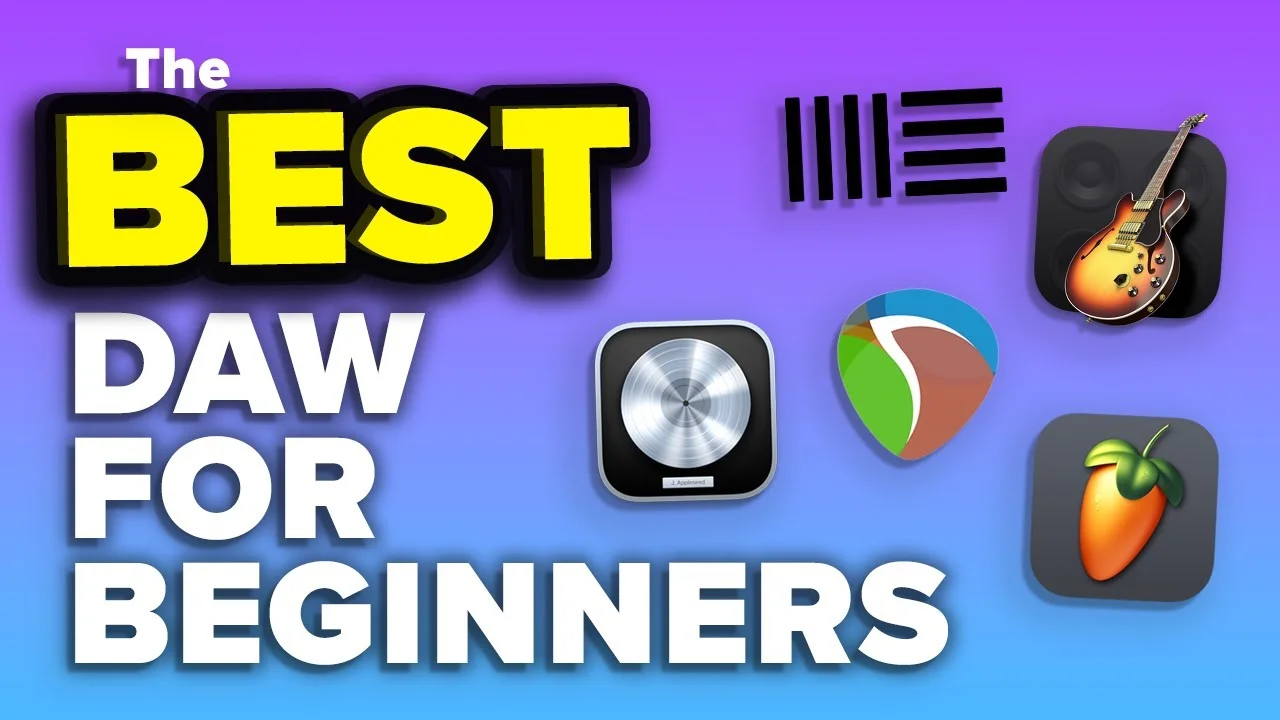
The Best DAW for Beginners in 2026!
Looking for the best DAW for beginners in 2026? Look no further! In this video, we take a look at some of the most popular DAWs on the market and see how they s

Key Takeaways
- Your DAW choice matters less than learning one consistently rather than jumping between options.
- Start with free GarageBand on Mac or consider the $60 Reaper for budget-friendly professional features.
- Ableton Live dominates electronic music and live performance but struggles with traditional band recording.
- Logic Pro offers the best value at $199 with professional samples and plugins included.
- FL Studio excels at hip-hop production and MIDI programming with lifetime free updates.
Looking to get started in music production but drowning in DAW choices? You’re not alone.
With dozens of options out there — from free alternatives to professional powerhouses — picking the right DAW can feel overwhelming. But here’s the thing: the wrong choice can either launch your music career or kill it before it starts.
I’ve spent years testing these programs, and I’m about to break down the five best DAWs for beginners. Each has its strengths, weaknesses, and ideal use cases. By the end of this post, you’ll know exactly which one matches your goals.
Let me save you months of trial and error.
I also made a full video on this…
All the ideas in this article come from the video below. If you don't feel like reading, well, I gotchu.
Part of the DAWs & Production Software series — For the full picture, read my full DAW comparison guide.
Ableton Live — The Electronic Music Powerhouse
Rating: 8.6/10
Ableton Live isn’t just a DAW — it’s a complete ecosystem built for both studio production and live performances.
If you’re into electronic music or need to perform live, this is where Ableton absolutely dominates. The workflow is incredibly intuitive for capturing ideas quickly. You know those moments when inspiration hits and you need to get something down immediately? Ableton handles that better than any other DAW.
What Makes Ableton Shine
The live performance and looping capabilities are unmatched. Seriously — I haven’t seen anything come close. You can trigger clips, loop sections, and manipulate your music in real-time like you’re conducting an orchestra.
Ableton comes packed with an impressive library of:
- Factory sounds and synths
- High-quality samples
- Built-in plugins and effects
The sampling integration is phenomenal, especially if you pair it with hardware like the Ableton Push. It’s designed to work seamlessly with external controllers and other Ableton products.
Where Ableton Falls Short
But it’s not perfect for everyone.
Recording live bands? Not Ableton’s strong suit. The workflow just isn’t optimized for traditional recording sessions with multiple musicians.
Some of the stock plugins are honestly disappointing — the guitar amp simulator sounds like it was recorded through a tin can. You’ll need third-party plugins for serious guitar work.
Here’s the bigger issue: Ableton’s workflow is unique. If you learn Ableton first, those skills won’t transfer well to other DAWs. You’re essentially learning a completely different language.
Ableton Pricing
Ableton Live comes in three editions:
- Live Lite (basic version)
- Live Standard (mid-tier)
- Live Suite (full package)
Bottom line: If you’re making EDM, trap, or any electronic-focused music and don’t need to record live bands, Ableton is an excellent choice.
GarageBand — The Free Gateway Drug
Rating: 7.4/10
Let’s address the elephant in the room: GarageBand is completely free if you have a Mac.
I don’t care if you think it’s “just for beginners” — this program is capable of making hits. Don’t believe me? Check how many chart-topping songs were started in GarageBand.
GarageBand’s Strengths
The interface is incredibly intuitive. Apple designed this for people who’ve never touched a DAW before, and it shows. You can start making music within 20 minutes of opening it.
You get:
- Decent selection of sounds and virtual instruments
- Basic but functional plugins
- Good presets for common scenarios
- Zero learning curve for basic recording
GarageBand proves that expensive doesn’t always mean better. I’ve heard professional-quality demos that started life in this “beginner” program.
The Limitations Are Real
But you’ll hit walls quickly.
There’s no busing or routing options — forget complex signal chains. The plugin selection is limited, and the ones you do get have fewer parameters than their professional counterparts.
The mixer view is nonexistent. You’re stuck with a simplified interface that works for basic projects but becomes restrictive for complex mixes.
And the export process? Absolute nightmare. Want to export individual stems? You have to solo and bounce each track separately. I choose life over that tedious process.
Who Should Use GarageBand
If you’re on Mac and completely new to music production, start here. It’s free, it works, and you can always upgrade to Logic Pro later (which imports GarageBand projects seamlessly).
Just know you’ll outgrow it eventually.
FL Studio — The Hip-Hop Producer’s Dream
Rating: 8.4/10
FL Studio used to be the “Fruity Loops” program that nobody took seriously. Those days are long gone.
Today’s FL Studio is a legitimate powerhouse that’s become the go-to choice for hip-hop producers worldwide. There’s a reason so many chart-topping beats come out of FL.
FL Studio’s Superpowers
The GUI is clean and beginner-friendly without feeling dumbed down. Everything makes sense visually — you can see your entire project at a glance.
But here’s what sets FL apart: the drum sequencer and MIDI editor are absolutely fantastic. If you’re programming drums or working heavily with MIDI, this is the best tool for the job.
FL Studio also offers lifetime free updates. Buy it once, get every future version free. That’s incredible value in an industry that loves subscription models.
The routing capabilities are surprisingly advanced for a program that markets itself to beginners. You can create complex signal paths that rival professional setups.
The Downsides
You’ll probably need to supplement the plugins with paid alternatives. The included effects are good, but not great.
Live band recording? FL Studio isn’t optimized for this workflow. It’s built for electronic production first, traditional recording second.
Some of the stock samples are mediocre — especially the drum sounds. You’ll want to invest in better sample libraries fairly quickly.
FL Studio Pricing
Four versions available (as of this writing):
- Fruity Edition ($99)
- Producer Edition ($299)
- Signature Bundle ($399)
- All Plugins Bundle ($499)
Perfect for: Hip-hop producers, EDM creators, or anyone doing heavy MIDI programming and drum sequencing.
Reaper — The Hidden Powerhouse
Rating: 8.0/10
You probably haven’t heard of Reaper, and that’s exactly why it’s so underrated.
This DAW is blindingly fast, incredibly stable, and costs almost nothing. While other companies charge hundreds for their software, Reaper delivers professional results at a fraction of the price.
Why Reaper Rocks
Speed and stability — Reaper rarely crashes. When other DAWs are choking on large projects, Reaper keeps humming along.
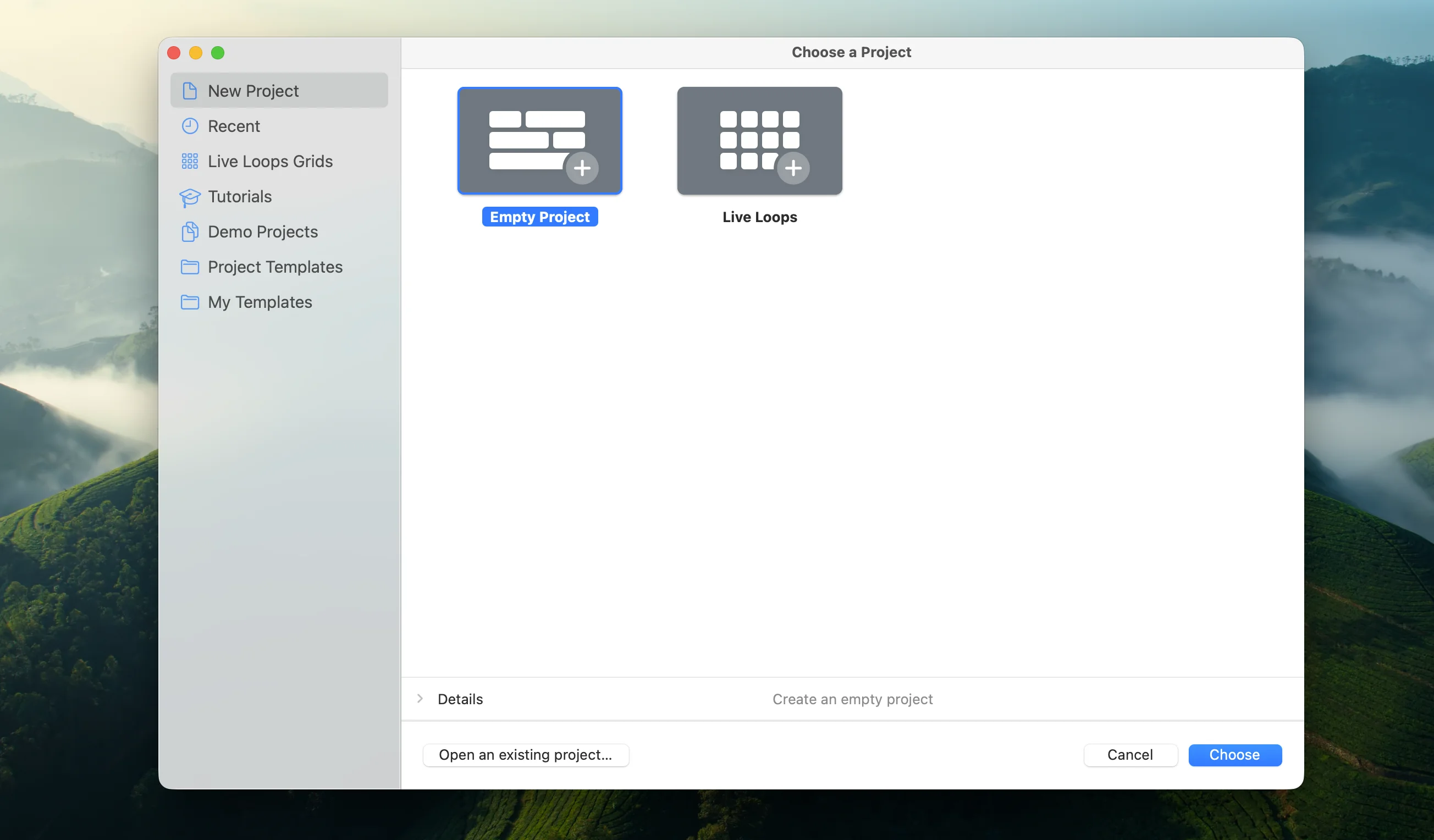
The customization options are insane. You can completely change how the interface looks and behaves. Want it to work like Pro Tools? There’s a theme for that. Prefer Logic’s workflow? Someone’s built that too.
System requirements are minimal. Reaper uses hardly any CPU or RAM, leaving more resources for your plugins and virtual instruments.
The customer support is legendary. I’m not kidding — there are stories of support reps helping users at 3 AM when they’re on deadline. Try getting that from the big companies.
Reaper’s Weaknesses
The interface isn’t immediately intuitive. While customizable, the default setup feels alien if you’re coming from other DAWs.
You’ll need third-party plugins for specialized tasks — especially guitar amp simulation. The included effects are functional but basic.
The sample and effect library is sparse compared to more expensive options.
Reaper Pricing
Here’s the kicker: Reaper costs $60 for the discounted license (if you’re not making serious money from music). Even the commercial license is only $225.
This makes it a no-brainer for budget-conscious producers who want professional capabilities.
Best for: Anyone who wants professional features without the premium price tag, especially those comfortable with customization.
Logic Pro — My Personal Favorite
Rating: 9.1/10
I’ve saved the best for last — at least in my opinion.
Logic Pro is my daily driver, the DAW I use for all my professional work. It’s the perfect balance of power, usability, and value.
Why Logic Wins
The sound library is incredible — thousands of samples, loops, and virtual instruments that actually sound professional. You could make entire albums using just the included content.
The interface is beautiful and intuitive. Apple’s design philosophy shines here — everything feels logical (pun intended) and well-thought-out.
Recording live instruments is where Logic absolutely dominates. The workflow for capturing real performances is smooth and natural. If you play guitar, piano, or any acoustic instrument, Logic makes recording a breeze.
The stock plugins sound amazing. The reverbs, delays, EQs, and compressors rival expensive third-party alternatives. Channel EQ alone is worth the price of admission.
Logic’s Limitations
It crashes sometimes — especially on larger projects. Not constantly, but enough to be annoying.
Load times can be slow with sample-heavy projects. You’ll find yourself waiting more than you’d like.
There’s still a learning curve to master all the advanced features. Logic is deep, and depth takes time to explore.
The biggest limitation? Logic uses AU plugins instead of VST. This means fewer third-party plugin options compared to other DAWs. Most major companies make AU versions, but the selection isn’t as vast.
Logic Pro Pricing
$199 for the complete package.
That includes everything — all the samples, instruments, and effects. Compare that to what other companies charge for just their basic version.
The catch? You need a Mac. That might mean additional hardware costs if you’re currently on PC.
Perfect for: Anyone who plays real instruments, wants professional results out of the box, and values an intuitive workflow.
The Final Verdict
Here’s the truth: any of these DAWs can make hit songs.
The paintbrush doesn’t make the artist. The camera doesn’t make the photographer. And the DAW doesn’t make the hit song — you do.
But choosing the right tool for your workflow and genre can accelerate your progress dramatically.
My Recommendations by Use Case:
- Electronic/EDM production: Ableton Live
- Complete beginner on Mac: Start with GarageBand, upgrade to Logic Pro
- Hip-hop/MIDI-heavy production: FL Studio
- Budget-conscious with customization needs: Reaper
- Live instrument recording and all-around production: Logic Pro
The most important thing? Pick one and stick with it long enough to actually learn it. Jumping between DAWs every few months will slow your progress more than using a “suboptimal” choice consistently.
Your music career isn’t waiting for the perfect DAW — it’s waiting for you to start creating.
Want a professional starting point? My Vocal Magic presets give you ready-made vocal chains for any genre — EQ, compression, reverb, and more, all dialed in and ready to go.
Or grab my free vocal presets to try before you buy.
About Mattie
Mattie is a music producer, songwriter, and educator specializing in Logic Pro and vocal production. With over 10 years of experience in the music industry, he's helped thousands of artists transform their home studio recordings into professional-quality tracks.
As the founder of Music By Mattie, he creates tutorials, presets, and courses that simplify complex production techniques. His mission is to make professional music production accessible to everyone, regardless of budget or experience level.