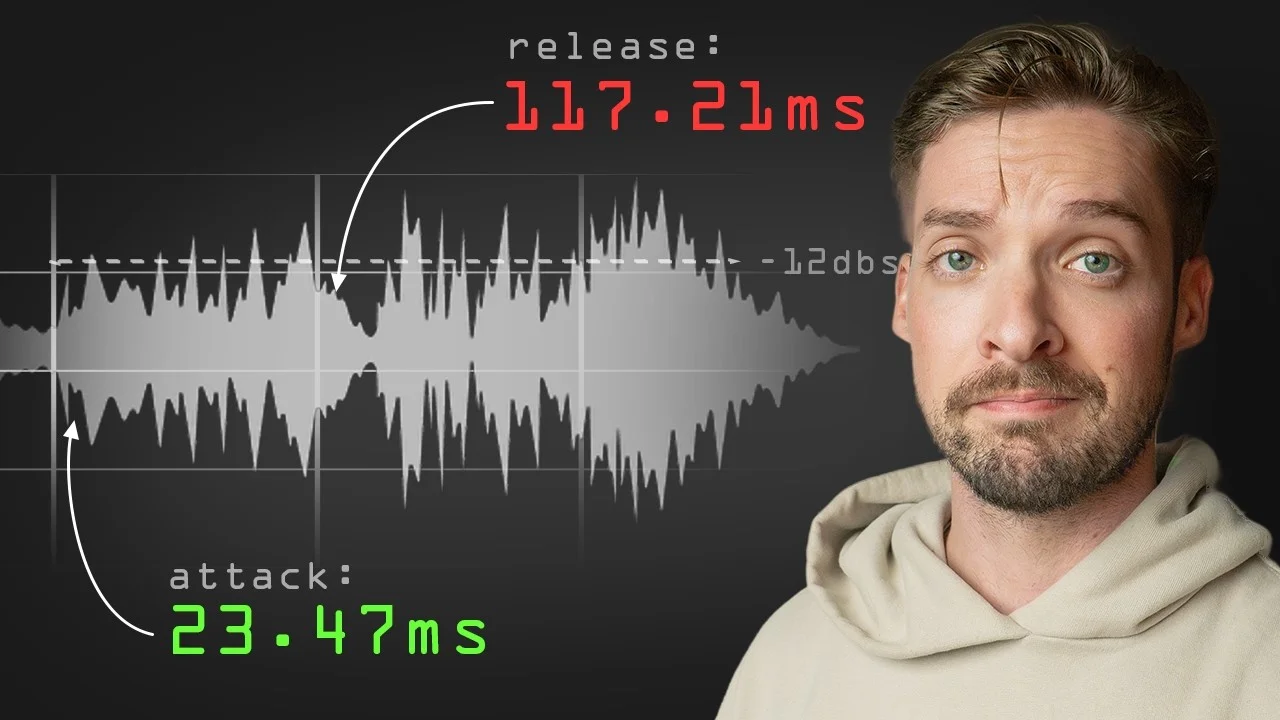
The Mathematically Perfect Compressor Settings
There's a formula for getting your Attack and Release knobs on your compressor perfectly in sync with your BPM. In this video, I'll show you what that is and ho

Key Takeaways
- Sync compressor attack/release times to your project's BPM for perfect timing
- Use 60,000 ÷ BPM formula to calculate millisecond values for note subdivisions
- Start with calculated values instead of copying settings from other mixes
- Long release times create groove by filling gaps between drum hits
You’ve been turning compressor knobs randomly, hoping something sounds good — but there’s actually a mathematical formula that guarantees your settings will fit perfectly with your song.
No more guessing. No more copying settings from YouTube tutorials that don’t work in your mix.
The secret? Syncing your attack and release times to your project’s BPM.
I also made a full video on this…
All the ideas in this article come from the video below. If you don't feel like reading, well, I gotchu.
Why “Feel” Might Be Failing Your Mix
Let’s get one thing straight — compression is difficult to hear.
If you’ve tried learning compression before, there’s a high chance you just paused some YouTube video and stole their exact settings. And if I had to guess, it probably didn’t sound all that good.
The reason is simple: timing is relative.
You can’t just copy someone else’s mix that’s in a different tempo, using different source material, and expect similar results. The pros you’re stealing from are hard to copy in the first place.
Pros can afford to dial in attack and release times by feel because they’ve been calibrating their ears for 20+ years. But copying their settings won’t help you if you can’t hear what they’re hearing.
Instead, it’s much faster to start with a calculated value that you know works every time.
This calculated value gives you a solid rhythmic foundation so you can start learning what compression should actually sound like.
Compression Is More Than Just Volume
Here’s something most people don’t realize: compression isn’t just about volume — it’s about timing.
You can think of a compressor as an envelope. A properly dialed-in compressor does something similar to an enveloper, affecting the attack, the release, and most importantly — the timing of the track itself.
Your attack is responsible for how fast the compressor starts working. It’s a big reason for how much of that initial transient or volume spike comes through.
The release affects how long the compressor stays engaged. A long release that’s out of sync with the BPM creates timing problems all around.
Ideally, you want to dial in the release knob so it stops right before the next hit.
It can be really hard to know what values to put in these attack and release knobs, but they are absolutely essential for getting the timing right.
The Mathematical Formula for Perfect Timing
The formula is surprisingly simple:
60,000 ÷ BPM = milliseconds per quarter note
We take the total milliseconds in one minute (60,000), divide it by the beats per minute of our track, and get the millisecond value that corresponds perfectly with our track’s grid.
Let me break this down with a 100 BPM example to keep the numbers easy:
60,000 ÷ 100 BPM = 600 milliseconds per quarter note
From there, you can get any subdivision you need:
- Quarter note: 600ms
- Eighth note: 300ms (divide by 2)
- 16th note: 150ms (divide by 2 again)
- 32nd note: 75ms
- 64th note: 37.5ms
Going the opposite direction:
- Half note: 1,200ms (multiply by 2)
- Whole note: 2,400ms (multiply by 2 again)
This gives you an entire arsenal of rhythmically-perfect timing values to choose from.
Applying the Math to Your Drums
Let’s use this methodology to dial in a snare drum.
Setting the Release Time
Every snare hit normally comes on beats two and four, which has a half note between each hit.
Using our 100 BPM example, we’ll set the release to 1,200 milliseconds (our half note value).
First, turn off auto-release since we’re manually typing this in. Then input 1,200ms for the release time.
The difference is immediately obvious — you can hear the compressor holding onto that release tail of the snare, really filling in the gaps between hits.
Now, using this long of a release isn’t something I typically do on every track, but it highlights what you can accomplish with this methodology. The beauty of this formula is you now have an array of numbers to choose from that will all be synced to the beat.
Dialing In the Attack
The attack works the same way. We can take our quarter note value and keep dividing by two until we get something much faster.
In our 100 BPM example, 37.5 milliseconds would be our 64th note — perfect for a snappy attack that lets transients through.
After gain-matching the makeup gain to keep levels similar, the difference is clear. The snare cuts through better while maintaining perfect timing sync.
Affecting the Entire Drum Kit
When you apply this method to the entire drum kit at once, the groove factor increases dramatically.
Listen to the kit without compression, then with the mathematically-synced settings. When the compressor resets exactly on the beat, it creates a pocket that just feels way more groovy.
It makes you want to move. It makes the track more engaging.
This is true for every single element you apply it to in your mix. Perfect timing sync creates groove.
The Problem With Manual Calculations
Here’s the reality: the worst part about this formula is stopping your creative flow to pull out a calculator.
We’re not always working at convenient tempos like 100 BPM or 120 BPM. We’re working at 116 BPM, or sometimes 112.5 BPM. And that’s where the numbers get tricky.
Calculating 60,000 ÷ 116.5 in your head while you’re in a creative flow? Not happening.
MILLI: Your Compression Calculator
That’s exactly why I built a tool called MILLI — it does all these calculations instantly.
Just type in your BPM (let’s say 116), and you immediately get all the values that are important for dialing in your release and attack times:
- Quarter note: 517.24ms
- Eighth note: 258.62ms
- 16th note: 129.31ms
- 32nd note: 64.66ms
But MILLI goes way beyond basic subdivisions:
Advanced Features
Dotted and triplet notes — for more intricate, syncopated results when you want different rhythmic feels.
Super fast subdivisions — down to 256th notes (though I don’t know why you’d ever need that, but it’s there).
Mega long values — up to 33 seconds for those massive reverb tails.
Swing adjustment — add swing to your calculations for more groove and human feel.
The interface is clean and sortable, so you can quickly find exactly what you need. I personally use this tool constantly in my mixes.
I keep it open on my phone next to my desk so I never have to break creative flow. No more stopping to do math — just glance over and grab the perfect timing value.
Why This Method Works Every Time
When you sync your compressor timing to your project’s BPM, several things happen:
The compressor becomes rhythmic. It’s not just reducing volume — it’s actively participating in the groove of your track.
Transients hit at exactly the right moments. Your attack times let through precisely the right amount of punch.
The release creates space in all the right places. Instead of fighting against the rhythm, the compressor enhances it.
Everything feels more musical. Even heavy compression doesn’t sound over-compressed when it’s rhythmically locked to your track.
This is especially crucial for beginners and intermediate producers who struggle to hear compression. Start with these calculated values, then learn to adjust by ear.
You’ll develop your compression hearing much faster when you start from a mathematically solid foundation.
Beyond Just Drums
This methodology works on every element in your mix:
- Vocals — sync the release to phrase lengths and breathing patterns
- Bass — lock the timing to the kick drum pattern
- Guitars — match the attack to chord changes and strumming patterns
- Synths — align with arpeggiated patterns and melodic phrases
The mathematical perfection gives you a starting point that’s guaranteed to work rhythmically. From there, you can fine-tune by ear with confidence.
Start With Math, Finish With Feel
Here’s my recommendation, especially if you’re still learning compression: always start with these calculated values before adjusting anything else.
Get the timing mathematically perfect first. Then you can make creative adjustments knowing you have a solid rhythmic foundation.
This approach will train your ears faster than any other method because you’re always starting from a place that actually works.
MILLI is available completely free on my website — I think you’ll be surprised by the results when you start using mathematically-perfect compression timing in your mixes.
Stop guessing. Start calculating. Your grooves will thank you.
Want the full walkthrough? My course Pro Vocals in 60 Minutes takes you from raw recording to polished vocal, step by step.
About Mattie
Mattie is a music producer, songwriter, and educator specializing in Logic Pro and vocal production. With over 10 years of experience in the music industry, he's helped thousands of artists transform their home studio recordings into professional-quality tracks.
As the founder of Music By Mattie, he creates tutorials, presets, and courses that simplify complex production techniques. His mission is to make professional music production accessible to everyone, regardless of budget or experience level.