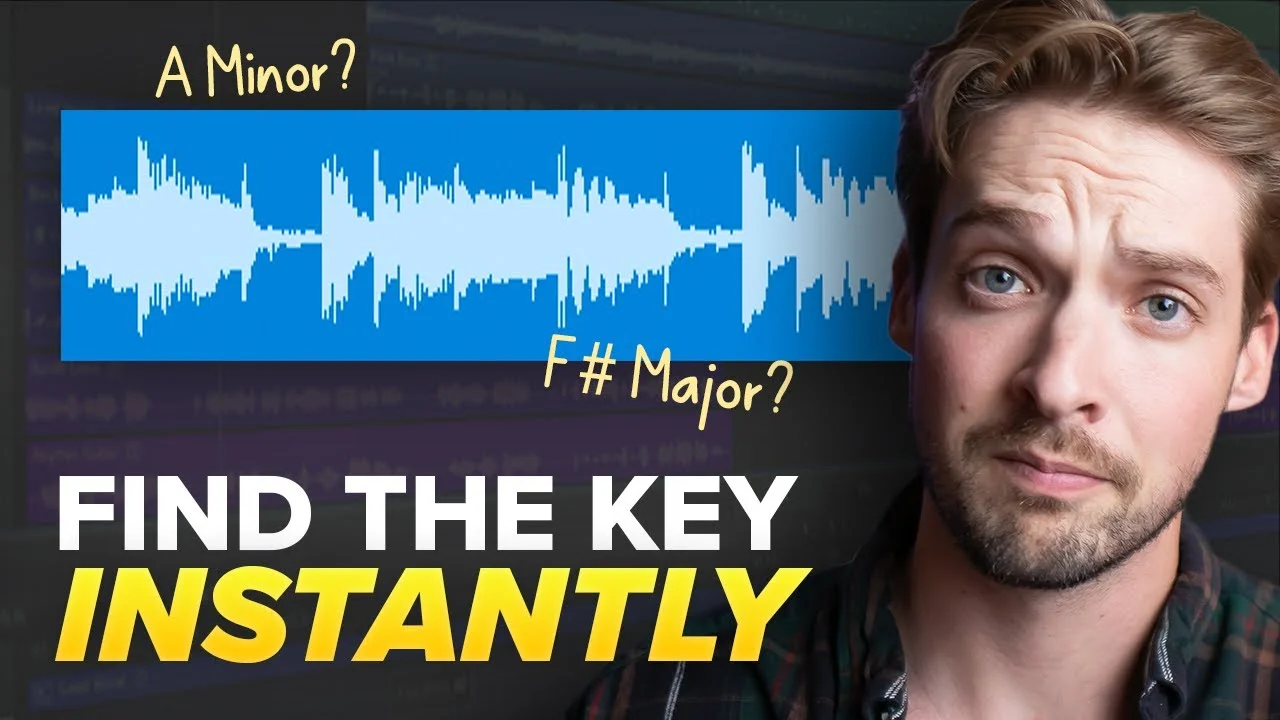
How to Find the Key of a Beat (No Music Theory Needed!)
You've got to get the key of your song correct if you want any shot of your pitch corrected vocals to sound good! But how??? In this video, I'll break down thre

Key Takeaways
- Use plugins like Auto-Key for quick results, but expect around 80% accuracy.
- Free websites and apps work similarly to plugins but can be unreliable.
- Train your ear to find keys by testing piano notes against the beat.
- Double-check any method by testing how pitch correction sounds with your vocals.
- Wrong keys make pitch correction sound robotic and ruin your vocal production.
You’ve got this amazing beat, you’ve laid down some sweet vocal tracks, but right when you go to process them — you hit a wall.
What key is this beat in? A minor? C# major?
Don’t worry, you’re not the only one struggling with this. If you get the key wrong, then your pitch corrected vocals will sound less like a polished track and more like a dying goat.
But here’s the thing — finding the key of a song doesn’t have to be hard. You don’t even need to know any music theory to do it.
I’m going to break down three different methods you can use to identify the key of any song so you can pitch correct your vocals like the pros. The last method I’ll share will make sure you get the key right 100% of the time.
I also made a full video on this…
All the ideas in this article come from the video below. If you don't feel like reading, well, I gotchu.
Part of the Songwriting series — For the full picture, read my complete songwriting guide.
Method 1: Key Detection Plugins
This method is the easiest for new producers and also one of the quickest.
But fair warning — this method doesn’t get the key of the song right every time.
There are a few different key detecting plugins you can use, but one of the most popular and consistent ones is called Auto-Key by Antares. That’s the same company that makes Auto-Tune, and it’s also the one I use for comparison.
To use it, all you have to do is play your beat with the plugin on the chain and it’ll give you your key.
I tested 16 songs using Auto-Key and it correctly identified 13 out of 16 keys. That’s 81% — pretty good, but not perfect.
Alternative Plugin Options
You can also use other plugins like Waves’ new AI Key Detector to do the same thing. I’ve heard some good things about that one.
The main advantage of using plugins is speed and convenience. You’re already in your DAW, the plugin loads right into your chain, and you get results instantly.
The downside? That 19% failure rate can really mess you up if you’re not double-checking your results.
Method 2: Free Websites and Apps
The next method for finding the key of a beat is equally easy for new producers but can be less accurate than plugins.
This method involves using free websites and apps, which means it’s the cheapest option — but probably the least reliable.
Audio Keychain Website
The website I’d recommend is called audiokeychain.com. All you have to do is drag and drop your beat to the website and it’ll spit back what key it’s in.
I tested the same 16 songs as before and it correctly got 13 right — just like the key finder plugin. That’s 81% accuracy.
Interestingly enough, they got different ones wrong and right compared to the plugin method.
Free Mobile Apps
In addition to websites, you can also use free apps for this second method of identifying keys.
The one I tested was from Antares — the same people who make Auto-Key. It does something similar to their paid plugin but it’s not quite as accurate.
Here’s how it works:
- Give the app access to your microphone
- Tap on the screen
- It will listen to the music and identify the key in real time
Super easy to use and all on your phone.
After testing 16 songs with this method, it got 11 right for a total of 68% accuracy.
This is probably the easiest and most accessible method since it’s free and you can just use it on your phone. But just know it’s not perfect.
Method 3: Using Your Ear (The Best Method)
Getting the key right 80% of the time from plugins and websites is okay, but wouldn’t you want to get the key right 100% of the time?
I know I would. Which is why I’m going to teach you my personal favorite method — using your ear.
Don’t be intimidated by that. It’s easier than it might sound, it’s free, and once you get the hang of it, it’s the most reliable method by far.
Step-by-Step Process
Here’s exactly how to find the key using your ear:
Step 1: Pull up another track with a piano roll in your project. I prefer to use an external MIDI controller like a piano, but you can also play the keys through typing.
Step 2: Start playing the beat.
Step 3: As the beat plays, audition various piano notes to see which ones fit the best.
Many times you’ll be able to find one certain note that works with almost every part of the song. In my ears, it sounds like the most correct and it feels like “home.”
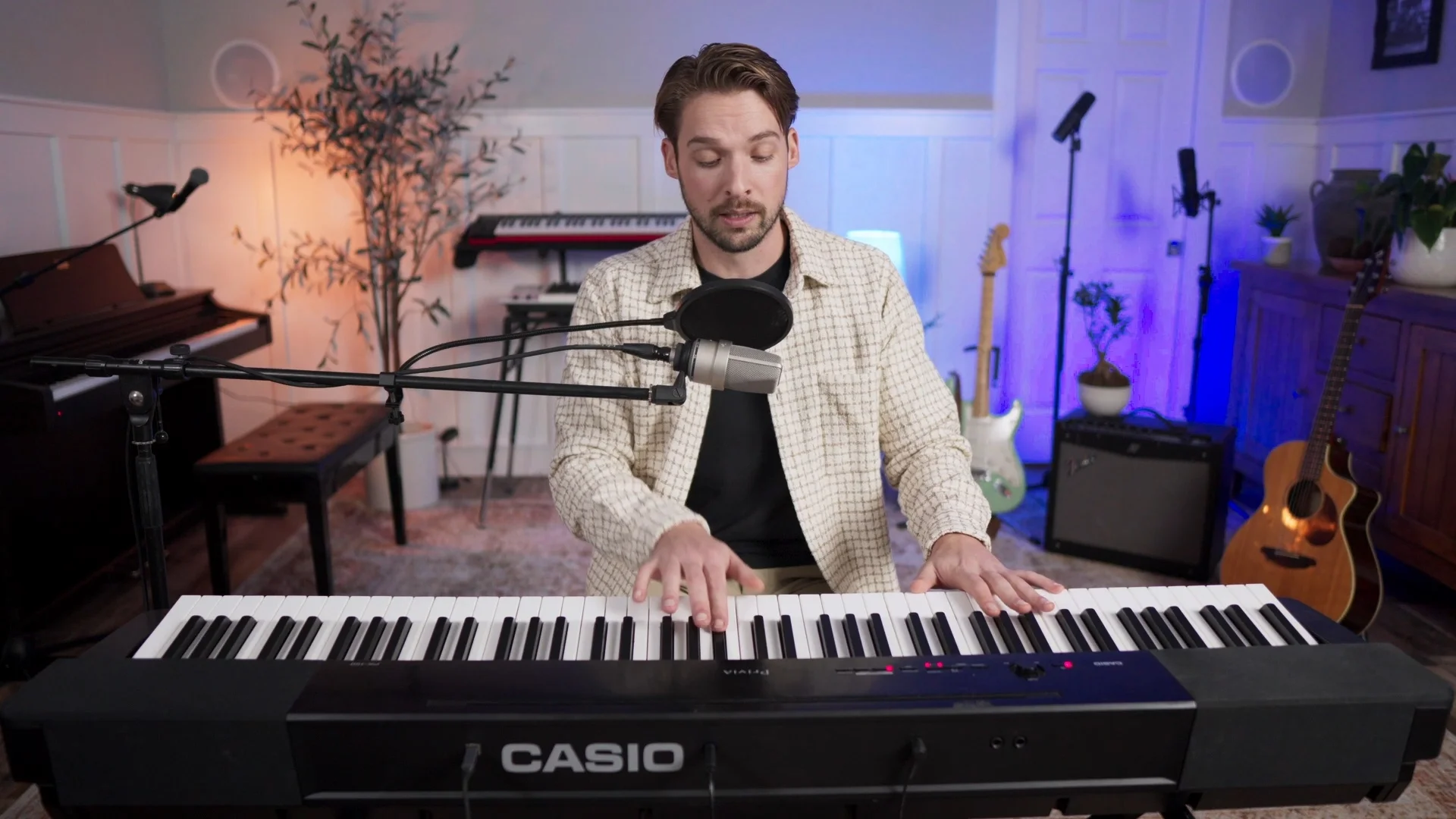
Step 4: Once you’ve got that base note, continue up the scale and see what other notes fit in with the beat.
You can start in half steps and try out each one. As you go up the scale, keep track of each note that works.
Here’s what that process looks like in practice — you’re testing each note and listening for which ones sound right with the beat:
- Nope
- Yep
- Yeah
- No
- Yep
- Nope
- Yep
- Nope
Finding the Actual Key Name
Once you’ve determined what notes work with the song, you can use an online scale resource to determine the actual key.
I’d recommend checking out pianoscales.org. There you can match the notes you found to see what scale you were actually playing in.
Also, once you’ve experimented with each note of that scale, try playing around a little bit — do some improv on the piano just to see if it works with the song.
In my demo example, the notes I was playing corresponded to F# minor (or A major — they’re relative keys with the same notes).
Why This Method Works 100% of the Time
The reason this method is so reliable is because you’re using the most sophisticated audio analysis tool ever created — your ears.
Your brain can pick up on harmonic relationships and musical patterns that even the best algorithms sometimes miss.
Once you get the hang of this method and learn more about scales, you can do this in less than 5 seconds. The best part? It’s 100% accurate.
How to Double-Check Your Key
No matter which method you use to find the key, you should always double-check your results.
Here’s how to verify you’ve got the right key:
The Pitch Correction Test
You can double-check all of the methods by dialing in the retune speed all the way down on your pitch correction plugin and hearing what the results sound like.
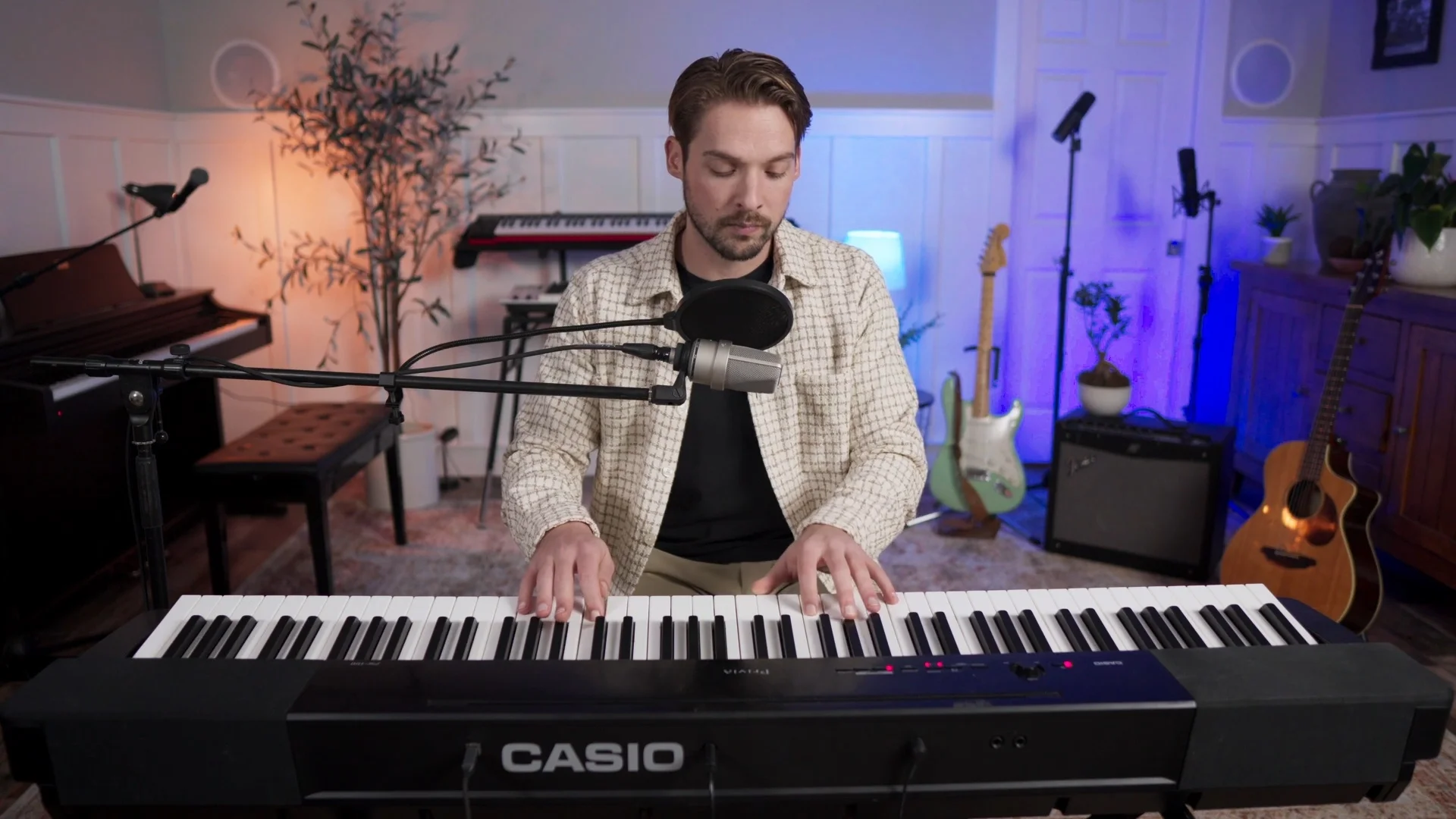
Here’s the process:
- Load up your pitch correction plugin (I’ll use Auto-Tune for this example, but you can use Logic’s pitch correction as well)
- Take the retune speed all the way down
- Set the key to what you think it is (in my example, F# minor)
- Listen to how it sounds with the beat
If you’ve got the right key, the pitch-corrected vocals should sound natural and musical with the beat. The notes should interplay perfectly.
If you’ve got the wrong key, it’ll sound off — like the vocals are fighting against the instrumental.
Keep in mind, this vocal should have no processing on it other than just pitch correction. But you should be able to hear how the notes are interplaying with the beat perfectly when you’ve nailed the key.
Why Getting the Key Right Matters
Getting the key wrong isn’t just a minor mistake — it can completely ruin your vocal production.
When your pitch correction plugin is set to the wrong key, it’s trying to snap your vocals to notes that don’t actually exist in the song. This creates that unnatural, robotic sound that screams “amateur production.”
But when you get the key right, your pitch correction becomes invisible. Your vocals sound polished and professional while still maintaining their natural character.
My Recommendation
While all three methods have their place, I’d highly recommend learning the ear training method.
Yes, plugins and apps are faster in the short term. But once you develop your ear, you’ll be able to identify keys instantly — and you’ll never be wrong.
Plus, this skill will make you a better producer overall. You’ll start hearing chord progressions, understanding song structure, and making better musical decisions across all your productions.
The ear training method is the difference between being dependent on tools and actually understanding music. And that understanding will level up every aspect of your production game.
If you want some more help nailing this particular technique — as well as some of the others I talk about on this channel — we offer one-on-one production lessons to take your tracks and skills to the next level.
Want a professional starting point? My Vocal Magic presets give you ready-made vocal chains for any genre — EQ, compression, reverb, and more, all dialed in and ready to go.
Or grab my free vocal presets to try before you buy.
About Mattie
Mattie is a music producer, songwriter, and educator specializing in Logic Pro and vocal production. With over 10 years of experience in the music industry, he's helped thousands of artists transform their home studio recordings into professional-quality tracks.
As the founder of Music By Mattie, he creates tutorials, presets, and courses that simplify complex production techniques. His mission is to make professional music production accessible to everyone, regardless of budget or experience level.