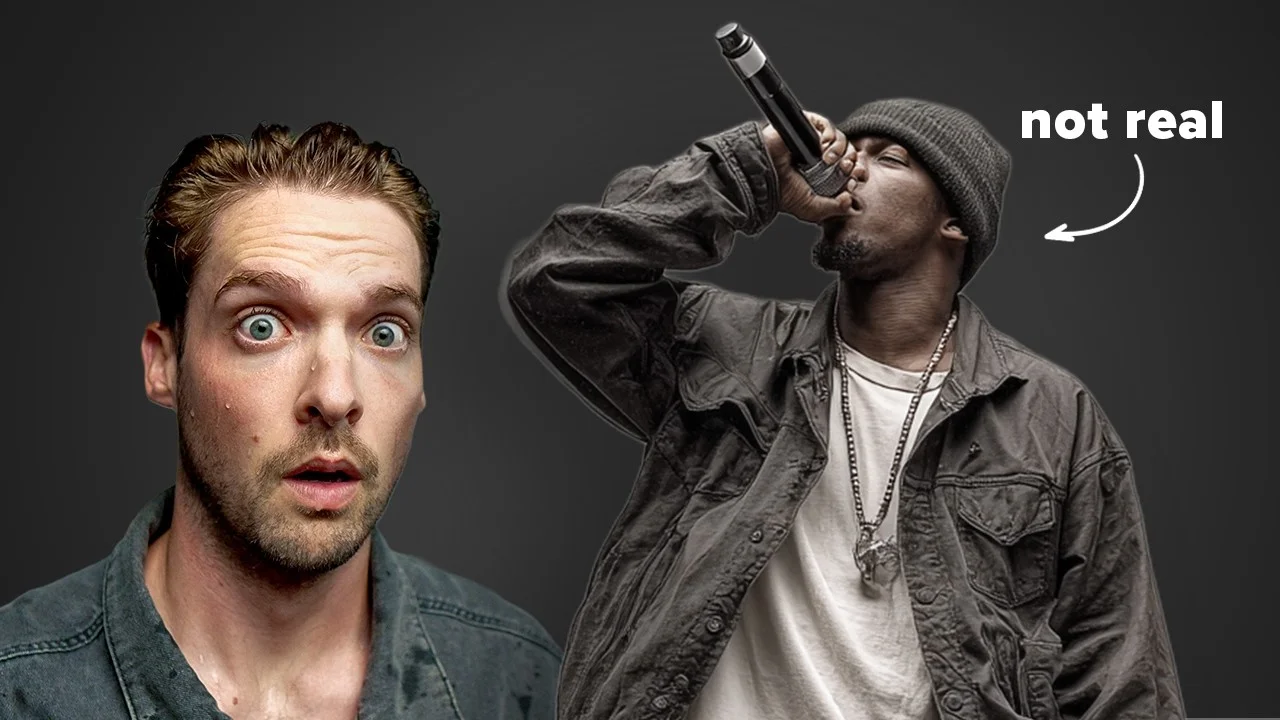
Making Music with AI Got SCARY Easy
Whether you realize it or not, Ai music is slowly taking over streaming platforms. If that doesn't scare the musician in you, I don't know what will.

Key Takeaways
- AI music tools like Suno can generate complete songs in minutes, not hours.
- Use AI as inspiration and reference, not a complete replacement for your creativity.
- Current AI music has obvious flaws: poor lyrics, limited control, and artist ripoffs.
- Musicians who learn AI tools now will have advantages over those who ignore them.
- Today's AI music quality is the worst it will ever be going forward.
AI music generation has gotten so good that creating a song nowadays is about as hard as drinking a glass of water.
I’m not saying this to scare you — well, actually, maybe I am a little. But more importantly, I want to show you exactly how these AI bands are pulling in millions of monthly Spotify listeners, and how real musicians can use these same tools without falling behind.
Because if you think AI music isn’t coming for your territory, you’re not paying attention.
I also made a full video on this…
All the ideas in this article come from the video below. If you don't feel like reading, well, I gotchu.
Part of the Music Production & Tools series — For the full picture, read my complete music production guide.
The 19-Minute Challenge That Changed Everything
Here’s what I did: I let a spinning wheel choose a random genre for me, then timed how long it would take to create not just one song, but an entire three-song EP.
The wheel landed on hip-hop. Perfect.
Meet Spare Change — the newest up-and-coming hip-hop artist I created in less than 20 minutes.
The Tool Everyone’s Using
The app behind all these AI bands? Suno. I’ve been testing this thing for months, and it’s scarily good at churning out professional-sounding tracks.
I’m using the paid version because it gives you access to the latest algorithms — and trust me, they sound significantly better than the free tier.
Here’s how ridiculously simple the process was:
Step 1: Put lyrics on auto-generate Step 2: Describe the genre and style
Step 3: Click create
That’s it.
Song One: Instant Gold
The very first track Suno spit out was already tough. Like, legitimately good. I had the opening track for my EP right out of the gate.
I spent about 10 minutes trying to beat that first result, experimenting with different prompts. Suno gave me some… interesting options. There was “Allergic to Broke” and the modern masterpiece “Don’t Make Me Sneeze.”
But “Whole Lot of Jeeps” just hit different. That was my opener.
Building a Musical Persona
Here’s where it gets smart — I used that first song as a foundation to create a consistent musical persona for Spare Change.
Suno has this feature called audio influence. Crank up this slider, and the new songs you generate will sound like they’re from the same artist. Same rapper, same vibe, same energy.
Since Suno was giving me some… let’s call them “humorous” lyrics, I fed it a short line to guide the direction: “Money Bands Make Her Dance.”
Song two: “Money Dance” — done in another few minutes.
The Final Track
For the third song, I deleted any lyric prompts and let Suno take complete control.
Three minutes later: “Trophy.”
Total time: 19 minutes for a complete three-song EP.
Kind of scary when you think about it.
The Problems You Need to Know About
Before you panic and throw your DAW out the window, Suno isn’t perfect. It’s got some serious kinks that keep it from completely taking over — for now.
Problem #1: Audio Quality Issues
Many songs come out with artifacts that just sound artificial. The clarity isn’t quite there yet compared to what you’d get recording in an actual studio.
Melodies, instruments, and solos often have this digital fingerprint that gives away their AI origins. Your ears pick up on it, even if you can’t immediately identify what’s wrong.
Problem #2: Limited Control
Creating songs is easy — tweaking them to be exactly what you want is a nightmare.
I loved the chorus on one of my tracks, but trying to change just the verse? Headache city. The tool doesn’t give you granular control over individual elements the way a traditional DAW does.
Problem #3: Garbage Lyrics
The auto-generated lyrics are generally terrible. Generic, cliché, with poor understanding of rhyme and meter. They lack any deeper meaning or artistic vision.
“Took my kids to the zoo. Got me orange.”
I mean, come on.
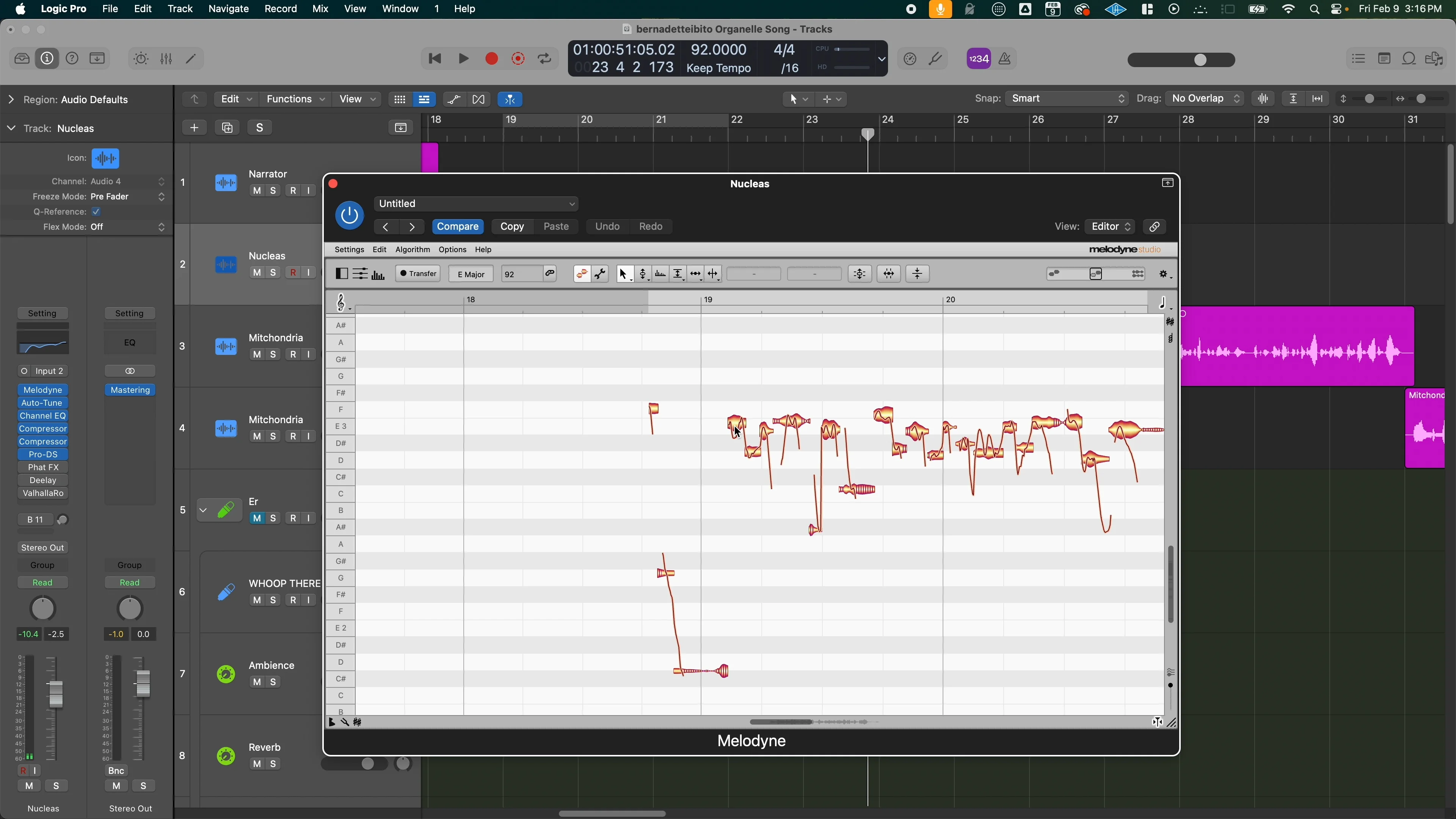
You can write your own lyrics and feed them to Suno — and it does a better job with that — but the default output is pretty rough.
Problem #4: Blatant Artist Ripoffs
This is the big one. Suno obviously rips off existing artists, and it’s not even subtle about it.
You could probably hear shades of Migos in the hip-hop tracks I generated. And it’s not just rap — I’ve noticed distinct similarities to other artists while experimenting with different genres.
I generated an R&B track that sounded eerily similar to Allan Stone. Like, uncomfortably similar.
This is one of AI’s biggest problems, and honestly? I don’t have an easy solution for it.
Problem #5: AI is Fundamentally Generic
AI trains on existing data, which means it’s terrible at creating new subgenres or pushing boundaries.
I tried creating something I called “trap-disco-country-pop” with falsetto vocals. The result? Standard disco-pop. No trap drums, no country slide guitar, no falsetto.
If you’re trying to create something genuinely new and boundary-pushing, that’s still on you.
How Artists Should Actually Use AI
Here’s my take: Suno works best as a guide and inspiration tool, not a complete replacement for your creative process.
For me, melody and chords are usually the easier part. The real challenge is putting everything together and making it sound professional. That’s where AI can actually help.
My Workflow with AI
Step 1: Start with a song I’ve written — basic chords and lyrics
Step 2: Input my BPM, key, and lyrics into Suno
Step 3: Describe the genre I want
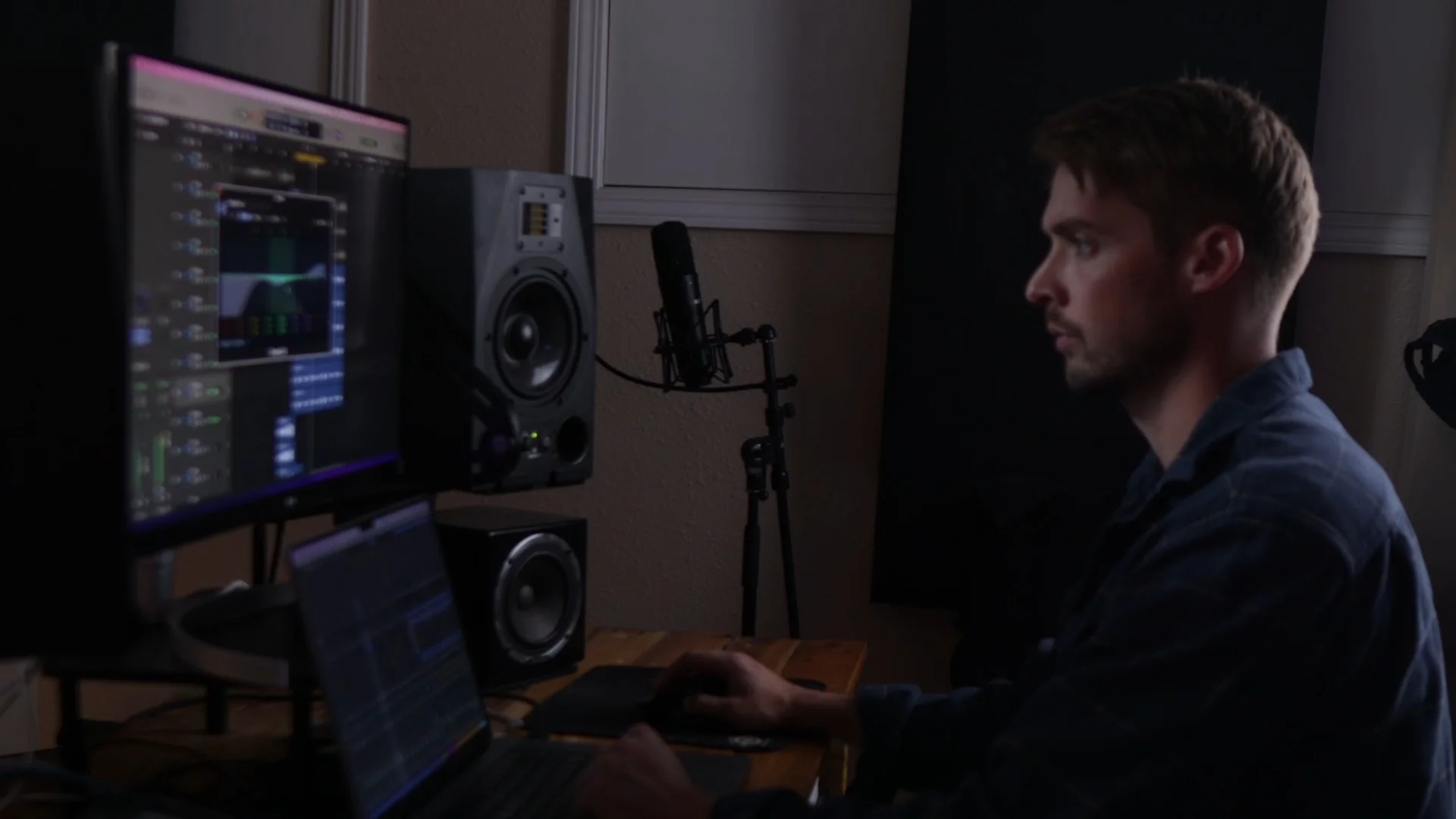
Step 4: Generate a baseline of ideas
From there, I pick the best elements and combine them with my own ideas to create something new.
I’m not letting AI write the whole song — I’m using it as a creative partner to explore directions I might not have considered.
The Reference Track Method
Here’s a bonus technique: use your AI-generated song as a reference track for mixing.
Same key, same BPM, similar arrangement — it gives you a professional-sounding benchmark to guide your mixing decisions. If you want me to make a full video about this approach, let me know in the comments.
Recording and Production Still Matter
Once I’m satisfied with the AI-generated ideas, I record, mix, and master everything like I normally would.
The AI gives me the foundation and inspiration. The human touch — the performance, the production choices, the final polish — that’s still entirely on me.
The Bigger Picture
At the end of the day, AI is a tool.
The people who already have a deep understanding of music and production are going to get the most out of it. If you know music theory, arrangement, mixing, and mastering, you can use AI to amplify your creativity rather than replace it.
But here’s the thing that keeps me up at night: today is the worst AI music will ever sound.
Think about that for a second. The technology I just showed you — the stuff that already sounds pretty damn good — this is the basement level of what’s coming.
The Wave is Coming
The producers who learn to ride this wave early will be surfing. Everyone else? They’ll be drowning.
I’m not saying this to be dramatic. I’m saying it because I’ve spent months testing these tools, and the improvement curve is steep. Scary steep.
The AI bands pulling millions of monthly listeners on Spotify? They’re not using some secret technique or expensive equipment. They’re using the same tools I just showed you, just with more time and iteration.
What This Means for Musicians
Option 1: Ignore AI completely and hope it goes away. Spoiler alert — it won’t.
Option 2: Learn how to integrate these tools into your workflow before everyone else catches on.
I know which option I’m choosing.
The musicians who figure out how to blend AI efficiency with human creativity and artistry? Those are the ones who’ll thrive in whatever the music industry becomes.
The ones who don’t adapt? Well, they’ll be competing with artists like Spare Change — and Spare Change doesn’t need sleep, doesn’t need a record deal, and can release three songs in 19 minutes.
Your move.
Want the full walkthrough? My course Pro Vocals in 60 Minutes takes you from raw recording to polished vocal, step by step.
About Mattie
Mattie is a music producer, songwriter, and educator specializing in Logic Pro and vocal production. With over 10 years of experience in the music industry, he's helped thousands of artists transform their home studio recordings into professional-quality tracks.
As the founder of Music By Mattie, he creates tutorials, presets, and courses that simplify complex production techniques. His mission is to make professional music production accessible to everyone, regardless of budget or experience level.