
I tried 100 AI Music Tools… These are the ONLY ones worth using
I’ve tested over 100 AI Music Tools, and let me tell you, most of them are completely useless… but a few? Insanely good. So good in fact they’ve completely tran

Key Takeaways
- Most AI music tools are useless, but the few good ones will transform your workflow.
- Use AI for finding obscure samples and organizing your library, not replacing creativity.
- Don't monetize AI-generated artist voices without permission - stick to royalty-free options.
- AI works best as inspiration and starting points, not finished production replacements.
- Free tools like Ultimate Vocal Remover often outperform expensive paid alternatives.
I’ve tested over 100 AI music tools, and let me tell you — most of them are completely useless.
But a few? Insanely good. So good they’ve completely transformed the way I produce music.
Today I’m breaking down the AI music tools I actually use as a professional music producer that make making music easier, faster, and way more fun.
I also made a full video on this…
All the ideas in this article come from the video below. If you don't feel like reading, well, I gotchu.
Part of the Music Production & Tools series — For the full picture, read my complete music production guide.
AI Sample Tools That Actually Work
Let’s start with the sampling tools — because finding the right samples can make or break a track.
Backbone: AI Drum Sample Generator
First up is Backbone from Steinberg (the company that makes Cubase). This is an AI music sampler that uses AI to generate drum samples on the fly.
Here’s how it works: You click the slider, hit “new,” and boom — you’ve got a fresh sample. Want a cymbal sound? Use the slider to dial in different types of sounds. The randomization feature is where things get really interesting — you can use the knobs to tweak parameters and even randomize the amounts for some seriously unique results.
What I love about Backbone is that it doesn’t stop at basic generation. It includes a pitch section, filter, amp controls, and even a resynth model that lets you completely transform your sounds.
I made an entire drum beat using only Backbone samples, and honestly? It slaps.
Samplette.io: The YouTube Sample Goldmine
This one’s a game-changer for sample-based production. Samplette.io uses AI to filter through YouTube’s entire music database to find samples that literally no one has ever heard before.
Here’s the magic: You hit the filters and can search by genre, style, time period, or even region. Want to find a funk and soul track from Cuba with less than 50,000 views? Done. The AI will dig up obscure gems that are perfect for flipping.
Every song you browse gets saved so you can favorite tracks and come back to them later. If I’m creating any kind of beat with samples, this is my first stop. I find parts that no one’s ever sampled before, spin them, and make them my own.
Seriously — this app has become essential to my workflow.
PlayPhrase.me: Movie Dialogue Sampling
Want to add some killer dialogue to your tracks? PlayPhrase.me is brilliant. You type in any word or phrase, and it searches through movies to find scenes with that exact dialogue.
Search “let’s go” and you’ll get hundreds of movie clips saying those exact words. It’s perfect for throwing dialogue before a drop or adding some character to your productions.
The service gives you five movies for free, but some phrases have hundreds of options if you upgrade to the paid version.
XO by XLN Audio: Smart Sample Organization
If you’re drowning in samples like I am (I’ve got over 8,000 in my library), XO will save your sanity.
This plugin organizes samples by type and into colors for visual browsing. I can click through kicks, find the perfect snare, browse hi-hats, effects, cymbals — whatever I need. You can even hover and hold to preview samples quickly.
The time-saving aspect alone makes this worth it. No more scrolling through endless folders trying to remember where you put that perfect clap.
AI Vocal Changers (Use Responsibly)
The vocal changer category is saturated — there are tons of tools doing similar things, but these three stand out.
Weights.gg: Artist Voice Recreation
Weights.gg lets you use different artist profiles as trained vocals to change your voice. I sang a melody, then used their AI to make it sound like Bruno Mars, Adele, and other artists.
The results? Pretty damn close to the originals.
Important ethical note: Get permission before recreating any artist’s voice, and absolutely DO NOT monetize music using someone else’s voice on Spotify. That’s ethically bad and potentially illegal.
Audimee: Royalty-Free AI Vocals
If you want to release music commercially, Audimee is the better choice. It’s a paid service with royalty-free vocalists that sound incredible — just like the artist recreation tools, but legally safe for monetization.
They have vocalists like “Blake” who sounds professional and polished. You can actually put these on Spotify without copyright worries.
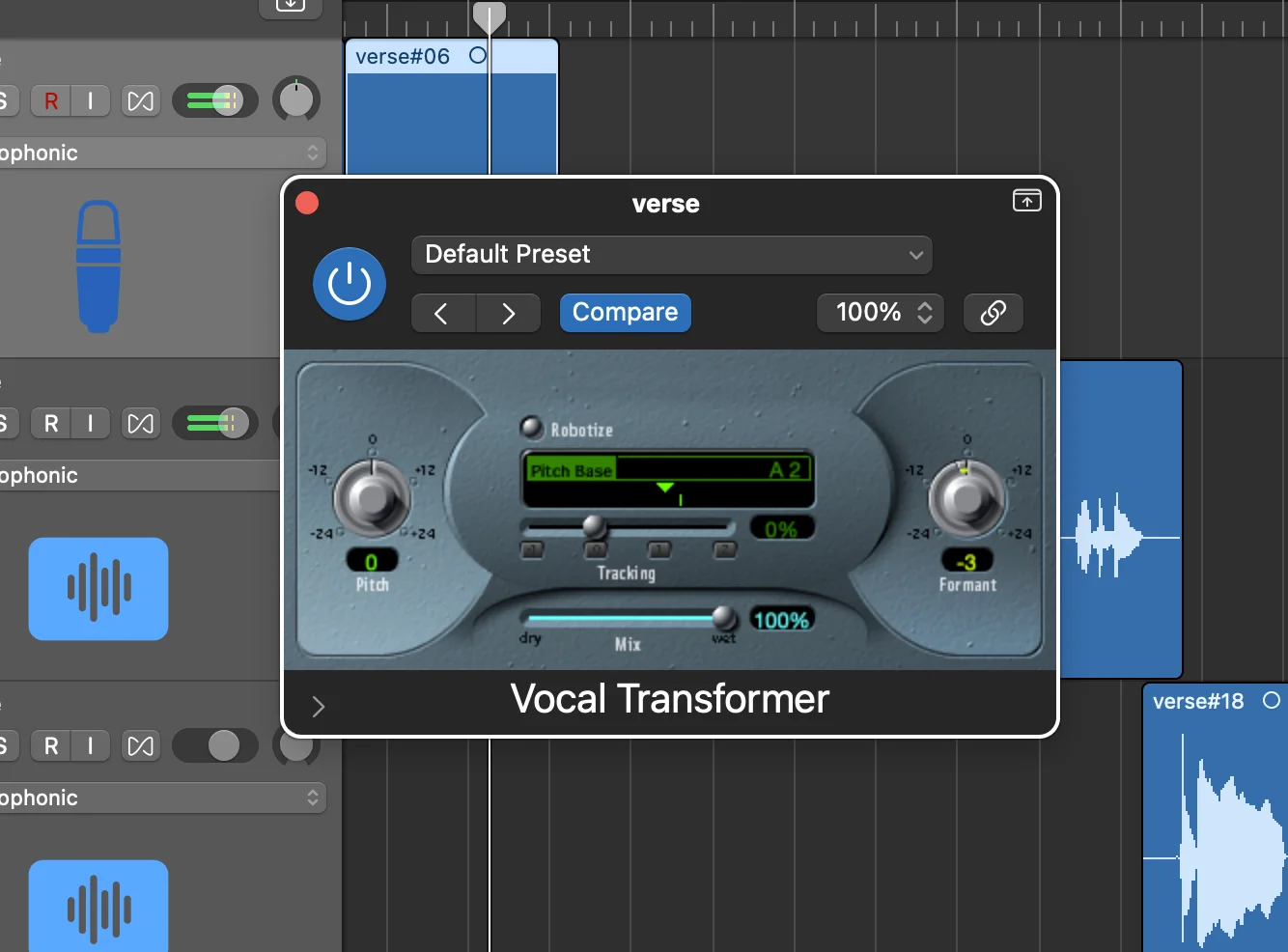
Honestly? I mostly sing my own stuff, but if you’re not a vocalist, this could be a game-changer for your productions.
SVC (So-vits-svc): The Advanced Option
By far the best algorithm for AI vocals is SVC — this is actually the code that powers many of those websites I mentioned.
It’s more complicated than the previous options, but you get way more control. I recommend checking out Apollo at apollo7.org — you can find them on GitHub too.
You’ll use Google Colab as the UI, run code sections, input your voice, add trained vocal models, and get your results. It’s not beginner-friendly, but there are great YouTube tutorials if you want to dive deep.
This is the method to use if you want professional-quality results and don’t mind a learning curve.
AI Stem Separators: Beyond Basic Vocal Isolation
When I first started with stem separation, I used LALAL.AI. But now there are much better and more convenient tools.
Quick and Dirty: Built-in DAW Tools
For something quick, I’ll use the built-in stem separation in FL Studio or Logic Pro. They work fine for basic needs.
Ultimate Vocal Remover: The Open-Source King
But when I need the best possible results, I use Ultimate Vocal Remover (UVR). It’s completely free, open-source, and available on GitHub.
Here’s why UVR works so well: You can choose the processing method, and I recommend Ensemble mode. This takes multiple algorithms and averages them together for the best results from each one.
The level of detail is insane. You can separate:
- Vocals vs. instrumental
- Drums vs. no drums
- Bass vs. no bass
- And tons of other stem combinations
Pro tip: Choose multiple models for Ensemble mode to work properly. Click the wrench icon, go to Download Center, and grab several models. The flowchart will guide you to the best ones for your needs.
I usually go for Max specs and GPU conversion if my computer can handle it. The processing takes time, but the results are worth it.
I tested this on one of my tracks — the vocal isolation was clean, and the instrumental separation was nearly perfect. There were some artifacts from background vocals I’d layered, but overall, incredibly impressive for free software.
AI MIDI Generators: Chord Progressions Made Easy
This category excites me the most — AI that can create melodies and chord progressions.
Chord Chord: Perfect for Beginners
Chord Chord is fantastic, especially for my beginning music students learning theory. You can:
- Change the BPM
- Change the key (and watch all chords automatically transpose)
- Click individual chords to hear them
- Use the edit button to customize progressions
The AI suggests chords that work together — like E minor, E minor 7, F minor. You can hear how they flow and learn music theory in the process.
There’s a paid option that lets you export MIDI, but even the free version teaches you what chords to play. Just figure out the chord names and input them into your DAW.
LANDR Composer: Full-Featured but Subscription-Based
LANDR Composer does similar work but with more features. You can create:
- Melodies
- Arpeggios
- Basslines
- Full chord progressions
The downside? It’s subscription-only. If you’re just starting out, it might be worth it, but…
Mattie’s MIDI: My Alternative Solution
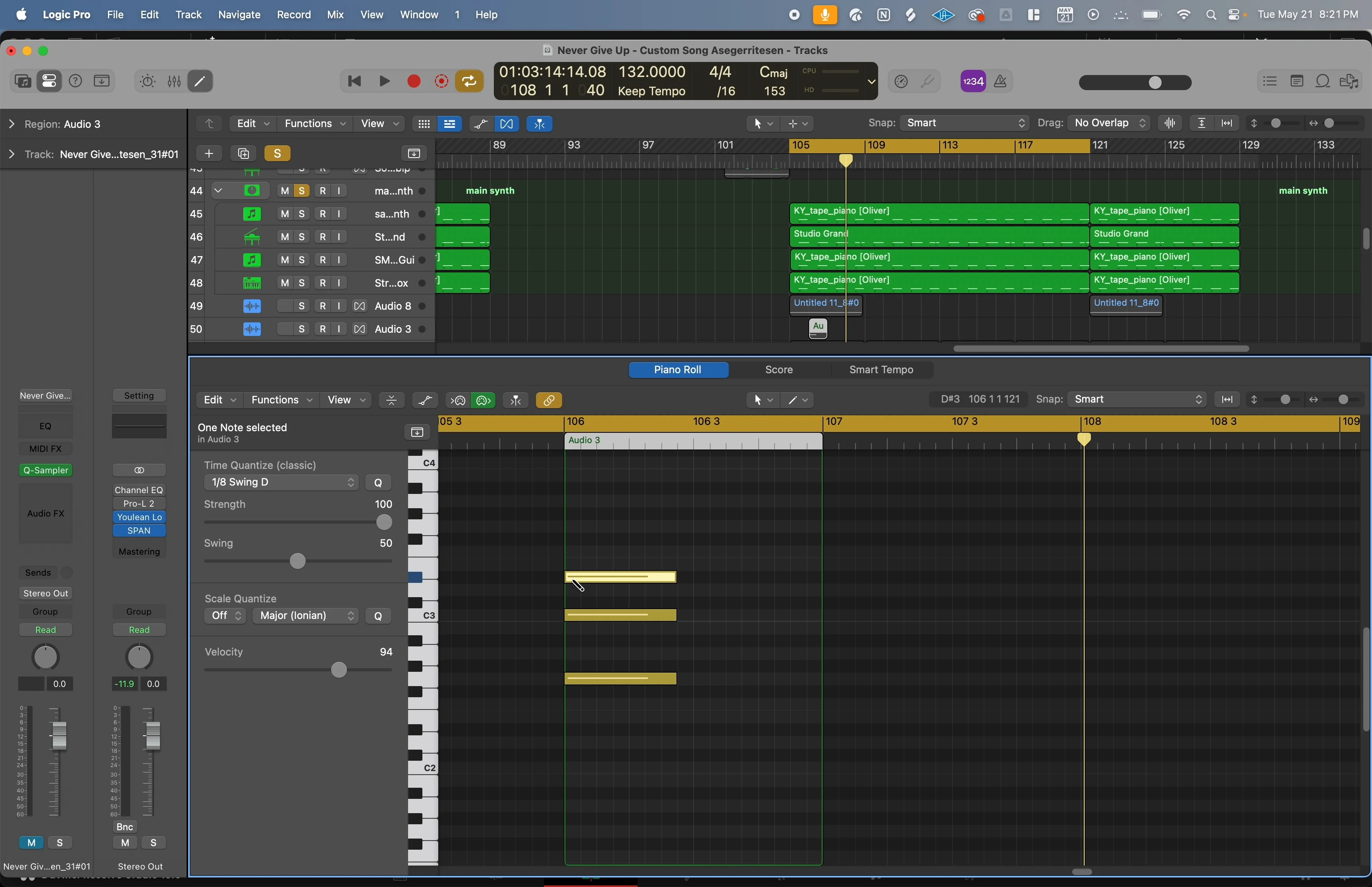
Instead of paying monthly fees, I created Mattie’s MIDI Starter Edition. It’s a one-time purchase with over 50 different chord progressions ready to drag and drop into your DAW.
All progressions are in C major and designed for beginners or intermediate producers who don’t have a solid grasp of music theory yet. They’re spicy, interesting progressions that will help you make songs way faster.
If you’re tired of writing the same four chords over and over, this pack will expand your harmonic vocabulary immediately.
AI Plugins That Enhance Your Workflow
These plugins use AI to solve specific production problems.
Clear: Vocal Cleanup Magic
Clear is an AI plugin that removes noise, de-ambiances, and cleans up vocal recordings. It’s stupidly simple to use — just a few knobs.
I recorded myself singing while playing piano live, and you could hear obvious piano leakage in the vocal mic. After running it through Clear? Sounds like I recorded it in isolation.
The simplicity is what makes this plugin special. No complex menus or settings — just clean vocals.
Sonible Smart Plugins: Adaptive Processing
Sonible’s plugins are fascinating. Their Smart Reverb analyzes your actual audio and develops a personalized reverb tail that sounds realistic for your specific recording.
You play your track, it analyzes the content, and creates reverb that actually fits your music instead of generic settings. The difference between the dry signal and processed version is immediately obvious.
Ozone by iZotope: AI Mastering Assistant
I use Ozone constantly. Click the analyze button, play your song, and it automatically adds:
- EQ curves
- Stabilizer processing
- Impact adjustment (dynamic control per frequency band)
- Stereo imager for width
- Dynamic EQ for problem frequencies
- Limiter for loudness
Fair warning: I find Ozone tends to be brighter than I prefer, so I usually dial back the high-end boost. Also, it might boost low frequencies that don’t exist in your mix (like when I tested it on a piano/vocal track).
But it’s excellent for identifying problem frequencies with the dynamic EQ and adding stereo width with the imager. Even if you don’t use all its suggestions, it’s a great starting point.
Other Helpful AI Tools
ChatGPT: Your Production Assistant
ChatGPT is incredibly useful for learning music production. Ask it specific questions and get actionable advice.
For example: “How do I compress vocals better?” It’ll give you practical compression tips without requiring you to already know the theory.
You can also use it for content brainstorming: “Give me 10 content ideas to promote my new song.” Instant marketing ideas.
DeepSeek is a free, open-source competitor that’s made headlines recently, but in my testing, ChatGPT still handles creative tasks better.
Midjourney: Album Art Creation
For album artwork, Midjourney is unbeatable. It creates realistic photos and artwork that would cost hundreds if you hired a designer.
I prompted it: “Album art cover of a Volkswagen bus flying in the sky under a rainbow, cartoon style.” In 20 seconds, it generated multiple professional-looking covers.
Even if you don’t use the AI art directly, it’s perfect for sending to actual artists as reference material to show them your vision.
Full Song Generators: Inspiration or Threat?
These are the AI tools that honestly scare me the most as a professional producer — but they’re not quite at the quality level of top-tier human music yet.
Suno AI: Trending AI Music
Suno AI has a homepage of trending AI-generated music. I don’t use this to create client work (it’s obviously AI), but I browse for inspiration.
You can find interesting rhythmic ideas, chord progressions, or melodic concepts that you can adapt into your own human-made productions.
Udio: Prompt-Based Song Creation
Udio lets you create full songs from text prompts. I gave it: “Create a song that is an autobiography of a dollar in the style of bluegrass, indie folk, and Americana.”
The result? A complete song with lyrics, instruments, and vocals. Obviously AI (you can hear artifacts in the instruments and weird vocal sounds), but the core idea and chord progressions were genuinely inspiring.
I can take those chords, that feel, that rhythm concept, and create my own human version. That’s totally fair game in my opinion.
The Bottom Line on AI Music Tools
These AI tools have genuinely changed my production process. They don’t replace creativity or musical knowledge — they enhance what I can already do.
Backbone speeds up my drum programming. Samplette finds me samples no one else has. Ultimate Vocal Remover gives me stem separation that would have cost thousands of dollars in professional software just a few years ago.
The key is knowing which tools actually work versus the hundreds of useless ones flooding the market.
If you’re just starting in production, tools like Chord Chord and my Mattie’s MIDI pack can teach you music theory while helping you create better progressions. If you’re advanced, tools like SVC and UVR can add capabilities to your workflow that simply weren’t possible before.
The future of music production isn’t AI replacing humans — it’s AI making human creativity more efficient and accessible. These tools prove that when AI is done right, everyone wins.
Want a professional starting point? My Vocal Magic presets give you ready-made vocal chains for any genre — EQ, compression, reverb, and more, all dialed in and ready to go.
Or grab my free vocal presets to try before you buy.
About Mattie
Mattie is a music producer, songwriter, and educator specializing in Logic Pro and vocal production. With over 10 years of experience in the music industry, he's helped thousands of artists transform their home studio recordings into professional-quality tracks.
As the founder of Music By Mattie, he creates tutorials, presets, and courses that simplify complex production techniques. His mission is to make professional music production accessible to everyone, regardless of budget or experience level.