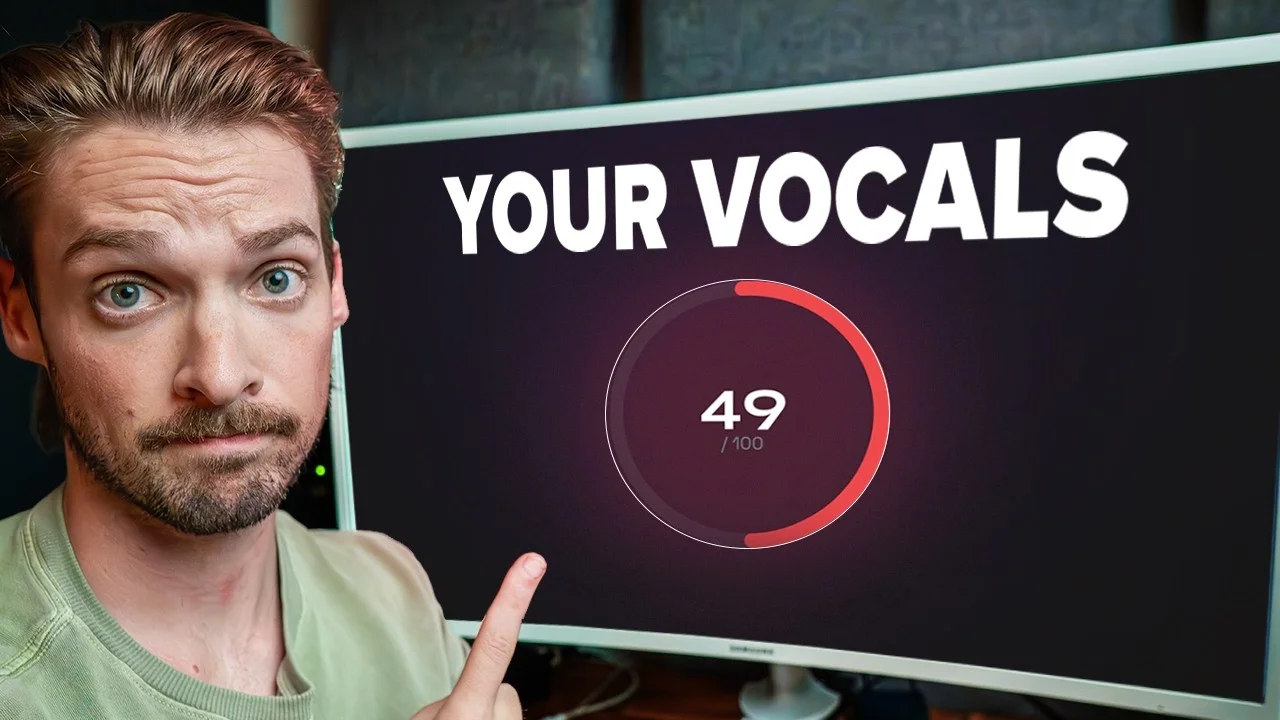
This free tool tells you what's wrong with your vocal
Ever wonder why your vocal still sounds off, even after EQ, compression, and a prayer?

Key Takeaways
- Score your vocal before you process it - mixing without knowing the actual problem is just guessing.
- A score above 80 means you're ready to mix; anything below 50 usually means re-record, not re-EQ.
- Tailor the analyzer to your voice - male/female, genre, and mic type all change the recommendations.
- Raw and mixed vocals get analyzed by different algorithms - pick the right mode for what you're working on.
- Use the recommendations as a starting point, not a replacement for your own ears.
Most people have no idea what’s actually wrong with their vocal.
They throw on EQ, slap a compressor, add a touch of saturation, and then… pray. If you don’t know the actual problem, you’re not mixing. You’re guessing.
So I built a free tool that scores your vocal from 0 to 100 and tells you exactly what to fix.
I also made a full video on this…
All the ideas in this article come from the video below. If you don't feel like reading, well, I gotchu.
What the Vocal Analyzer actually does
It’s called the Vocal Analyzer. I know - groundbreaking name.
You upload a vocal (or record one straight into the browser), pick a few settings, and it goes through and analyzes four things:
- Frequency balance - is the tonal shape right for your genre?
- Dynamics - is your vocal too dynamic, or too squashed?
- Sibilance - are the “s” and “sh” sounds out of control?
- Recording quality - is the actual capture clean enough to mix?
Then it weights all of those, gives you a score from 0 to 100, and shows you exactly where to focus.
No more spending 45 minutes fiddling with the compressor settings and hoping for the best.
How the scoring works
Not every category is weighted the same. Here’s the breakdown:
- Frequency - 30%
- Dynamics - 30%
- Recording quality - 30%
- Sibilance - 10%
The tool compares your vocal to a “standard” vocal for the genre you selected. So a hip hop vocal gets graded against hip hop reference curves. Not pop, not rock, not country.
Above 80? You’re good to go. Confidently usable on a real track.
Below 50? You probably need to re-record before you reach for a plugin. No amount of EQ saves a bad capture.
Real example: a comically bad vocal
Let me walk you through a real test.
I recorded a vocal with the mic capsule turned 180 degrees backwards. On purpose. Just to see what happens. I plugged it into the analyzer and got a 51.
A two-point improvement over the intro vocal in my video, which scored 49. So apparently a backwards mic still beats some of the recordings I get sent.
The breakdown showed:
- Harsh mid-range energy that’d be fatiguing on repeat
- A poor recording quality score (29) - which makes sense, the mic was literally facing the wrong way
This is exactly the situation where most people would dive headfirst into EQ. But the analyzer flagged the obvious thing: it’s a recording problem, not a mixing problem. No plugin saves a bad recording. Go re-record.
Real example: a good recording
Same voice, same room. Just a mic that’s facing the right way.
Score: 81.
Still not 100. Here’s what came back:
- Vocal sounds thin - lacking body below 500 Hz (typical for my voice, I don’t have a booming low end)
- Some room reflections audible (I have acoustic panels but I’m not in a vocal booth)
Both legitimate critiques. Both fixable in the mix.
This is the sweet spot. A clean enough recording where the analyzer’s recommendations actually mean something.
What the recommendations actually look like
This is the part most people care about.
Once you’ve got a real score, the analyzer gives you specific starting points tailored to your vocal. Not generic advice. Actual numbers.
For my 81-scored vocal, it said:
- Gain - bring it up by +7 dB to hit -8 dB peak (a good spot for vocals to live)
- High-pass filter - always love that on a voice
- Slight low-mid boost - to fix that thin sound
- Compressor settings - exact ratio, attack, release, threshold
I dropped those exact compressor settings into my DAW and A/B’d them against the raw take. Night and day. Without 45 minutes of fiddling.
Want a starting point that’s already dialed in? My Vocal Magic presets give you full vocal chains, EQ, compression, reverb, the whole stack, ready to go in any DAW. Or grab my free vocal presets to try the workflow first.
Raw vs. mixed vocals work differently
Here’s something I had to think hard about when building this thing.
Raw vocals and processed vocals get analyzed by completely different algorithms.
Why? Because raw vocals usually have:
- Way more low-mid range buildup
- Much more dynamic range (no compressor squashing yet)
- Audible mouth noises, breaths, plosives
A “good” raw vocal looks completely different on a frequency curve than a “good” processed vocal. If I used the same scoring logic for both, you’d get garbage advice.
When you upload, you get to pick: Raw or Mix. Use the right one. Otherwise the recommendations will be wrong for what you’re working on.
I tested it with a fully processed vocal from one of my own demo tracks - it scored 80 and the main feedback was sibilance, which I actually agreed with. Different algorithm, different feedback, still useful.
Tailor it to your specific voice
The analyzer has a few options that change what “good” looks like:
- Male / Female - different frequency targets, different sibilance ranges
- Genre - hip hop, pop, rock, country, all have different vocal curves
- Mic type - USB, phone, laptop, or “no idea” (yes, that’s an option)
I included all of these because the truth is - what sounds right depends on what you’re making. A pop vocal and a rock vocal aren’t graded against the same standard. They shouldn’t be.
If you skip these settings and just hit upload, you’ll still get a score. But the recommendations get way more useful if you take 5 seconds to set them.
How to actually use it
Here’s the workflow I’d recommend:
- Upload your vocal (raw or mixed)
- Set genre, voice type, and mic
- Read the breakdown. Is it a frequency, dynamics, sibilance, or recording problem?
- If recording score is below 60, stop. Go re-record. No plugin will save it.
- If the score is above 60, follow the gain → EQ → compression starting points
- Use your ears. The numbers are a starting point, not the final word.
This isn’t designed to replace producers. It’s designed to get you a diagnosis so you can stop spinning your wheels.
The bigger picture
The biggest reason people get stuck mixing vocals isn’t lack of plugins. It’s lack of diagnosis.
You can’t fix what you can’t measure. And spending 45 minutes EQ’ing a vocal that has a fundamental recording problem is a one-way ticket to frustration and a worse mix.
The Vocal Analyzer is free. Go try it. Upload one of your own vocals and see what score you get.
Brownie points if you hit above 90 - that’s harder than it sounds.
Brownie points on the other end of the spectrum if you score below 10. That’s a different kind of achievement entirely.
Want a professional starting point? My Vocal Magic presets give you ready-made vocal chains for any genre — EQ, compression, reverb, and more, all dialed in and ready to go.
Or grab my free vocal presets to try before you buy.
About Mattie
Mattie is a music producer, songwriter, and educator specializing in Logic Pro and vocal production. With over 10 years of experience in the music industry, he's helped thousands of artists transform their home studio recordings into professional-quality tracks.
As the founder of Music By Mattie, he creates tutorials, presets, and courses that simplify complex production techniques. His mission is to make professional music production accessible to everyone, regardless of budget or experience level.