
I Tested Every AI Stem Splitter to Find the Best One
I ran 13 songs through 12 different AI stem splitters and graded them on separation, artifacts, tone, and more. Here are the results - and the winners...

Key Takeaways
- UVR is the best stem splitter for power users - it's free, open source, and has some of the best algorithms available.
- Moises wins for ease of use and consistently high-quality results across every category.
- Your DAW's built-in stem separator is better than you think - especially Ableton's.
- Lalal.ai is surprisingly mediocre despite its popularity - don't assume expensive means better.
- No stem splitter perfectly recreates original stems - always get the real ones if you can.
I ran 13 different songs through every major AI stem separator on the market to find the best ones - and it turns out the one I’ve been using for the past year was not even close to the best.
Not gonna get that time back.
I graded 12 different stem splitters on a strict point system - separation quality, artifacts, tone preservation, workflow options, and even ease of use. I tested songs across every genre imaginable: old timey swing, K-pop, trap, gospel, soul, acoustic Latin, indie rock, blues rock, future bass, indie pop, folk, pop, and hip hop.
Today I’m showing you which ones came out on top - and the ones that might actually ruin your mix.
I also made a full video on this…
All the ideas in this article come from the video below. If you don't feel like reading, well, I gotchu.
How I tested everything
Before we get into the results, here’s the setup.
I picked 13 songs spanning wildly different genres - everything from an old timey swing track (“My Gal” by Niklas Gabrielsson) to a nightmare-level K-pop song (“Irony” by cin) to heavy trap (“Bambi Haze” by Bam Bam). The idea was to stress-test these tools with arrangements that ranged from sparse acoustic performances to dense, layered productions.
I then ran every song through all 12 stem splitters and graded each one across two score categories:
Main Score (weighted toward sound quality):
- Separation (35%) - how cleanly does it isolate the target stem?
- Artifacts (30%) - weird pops, phasing, digital garbage?
- Tone (15%) - does the stem still sound natural?
- Options (10%) - how many stems and settings do you get?
- Overall Quality (10%) - the gut check
Secondary Score (weighted toward usability):
- Ease of Use (35%) - how fast can you get results?
- Speed (30%) - processing time
- Value (35%) - what are you getting for the price?
Here are the 13 songs I used:
| Genre | Song | Artist |
|---|---|---|
| Old Timey Swing | My Gal | Niklas Gabrielsson with Martin Landstom & His Orchestra |
| “Nightmare test” K-Pop | Irony | cin |
| Trap (Heavy Bass) | Bambi Haze | Bam Bam |
| Gospel (Background Vocals) | Set for Life | AFTR |
| Soul, 1970’s | How Can I Get Through You | June Runefelt feat Luv Child |
| Acoustic Live Latin | Pies Firmes | Alcones Negros |
| Alternative / Indie Rock | TV | First Timer |
| Blues Rock | Deal Breaker | Jett Everill feat Red Revision |
| Future Bass | The World | Ooyy feat. Maybe |
| Indie Pop | Girlhood | Maybe |
| Acoustic Folk | Will Always | Sully Bright |
| Pop | The Best You’ll Never Have | Zorro |
| Hip Hop | Take a Shot | Bhris Drip, Ballpoint |
Let’s start with the category I’m sure most of you care about.
Best for Vocals
Starting with the reason most of you are here - pulling vocals out of a mix (or trying to make vocals sit better in your own mix).
The best vocal separations consistently came from sparse arrangements and single voices. The more going on in the mix, the harder every tool struggled. That said, two clear winners emerged - and you’ll see them come up again and again throughout this list.
UVR - Kim Vocals 2
Ultimate Vocal Remover with the Kim Vocals 2 model produced the smoothest vocal extractions I heard. Where other tools gave me weird transient pops and chopped-off reverb tails, UVR delivered smoother extraction with the reverb tails intact.
I tested this directly against Cubase’s built-in separator on Zorro’s “The Best You’ll Never Have” - and the difference was obvious. Cubase had these strange transient pops happening throughout the vocal. UVR’s Kim Vocals 2? Clean.
Moises - Best for Background Vocals
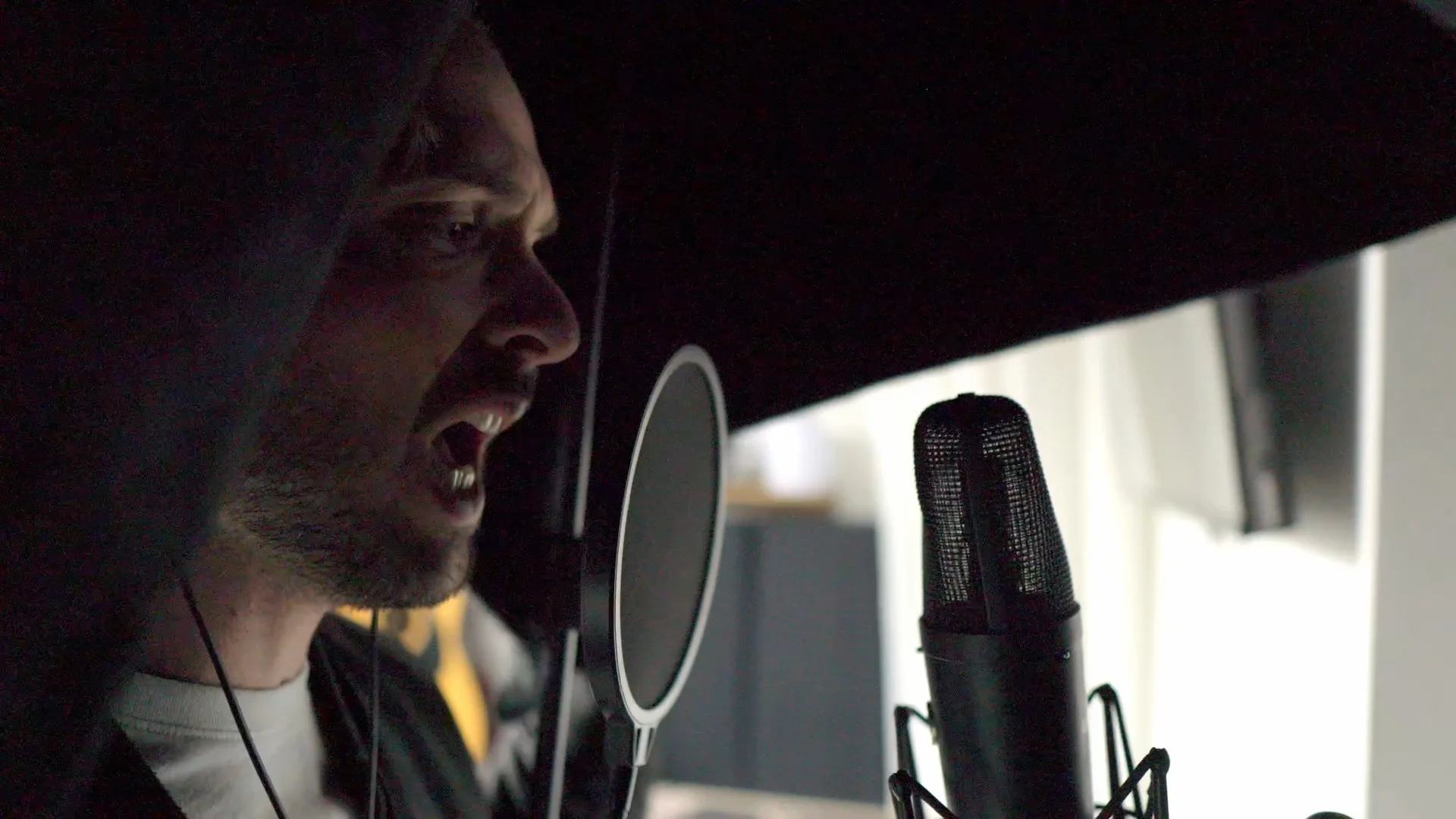
If you’re trying to isolate background vocals specifically, Moises was the easiest and most consistent option. I tested it with AFTR’s gospel track “Set for Life” which has layered background vocals - the kind of thing that should be a nightmare for stem splitters.
Moises handled it well. Fadr, on the other hand? Not so much.
Pro Tip: If you need lead vocals, UVR with Kim Vocals 2. If you need background vocals separated, Moises.
Best for Instrumentals
This is the second most popular use case - pulling instrumentals for karaoke, putting music in a video, or creating remixes.
The more complex the song, the harder this gets. Acoustic songs with minimal arrangement? Most tools do fine. Dense productions with overlapping frequencies? That’s where things fall apart.
I tested with First Timer’s “TV” - an alternative/indie rock track with a lot going on. Some of the instrumental extractions were pretty bad.
RipX gave me weird phasey hi-hats that sounded like the cymbals were underwater. Not usable.
The winner here was UVR using the MDX 23xc InstVoc model. Clean instrumental extraction with minimal vocal bleed and natural-sounding cymbals.
Best for Bass
Now we’re getting into individual instrument territory - and this is where things get weird.
Not every platform even allows direct bass splitting. And the ones that do? They all share the same fundamental problem: all bass separators lose high-end information from the bass.
The AI essentially filters out the upper harmonics and overtones, leaving you with mostly sub-bass content. In some cases that’s actually useful - if you just need the sub frequencies, it works. But if you’re hoping for a full-range bass stem, you’re going to be disappointed.
I looked at the EQ spectrum across every stem splitter’s bass output, and they all rolled off the top end significantly.
The bass extractions also sounded filtered and warbly across the board. I overlaid the transients from the original bass stems against the AI-extracted versions, and the peaks were often shifted or softened.
Izotope RX 11 was particularly bad here - the bass from AFTR’s track came out warbly and distorted.
The best bass results came from Moises and Logic - but even those weren’t great. They struggled with the same high-end loss that every other tool did.
If you need a bass stem, I highly recommend getting the original stems from the artist or producer whenever possible. Lalal.ai deserves a mention here for letting you split out specific instruments like bass directly, but the quality still isn’t where it needs to be.
Bottom line: Stem splitting for bass is the weakest category across every tool I tested. Transients get softened, upper harmonics disappear, and the result often sounds filtered. If you’re serious about it, recreate the bass part yourself.
Best for Drums
Some drum extractions sounded great. Others sounded like someone put the drums through a broken speaker.
The main issues I heard across tools:
- Lost transients - the snap of the snare or the click of the kick gets rounded off
- Added phase - that hollow, underwater sound
- Artifacts - ghost hits, metallic ringing, digital noise
I overlaid the waveforms from the original drum stems against the AI-extracted versions to visualize the differences. Some tools got surprisingly close to the original peaks - but the transients were almost always affected to some degree.
Here’s an interesting finding: more processed drums - like drum machine sounds - separated way better than acoustic drums. Moises did a great job extracting the electronic drums from Ooyy’s “The World.”
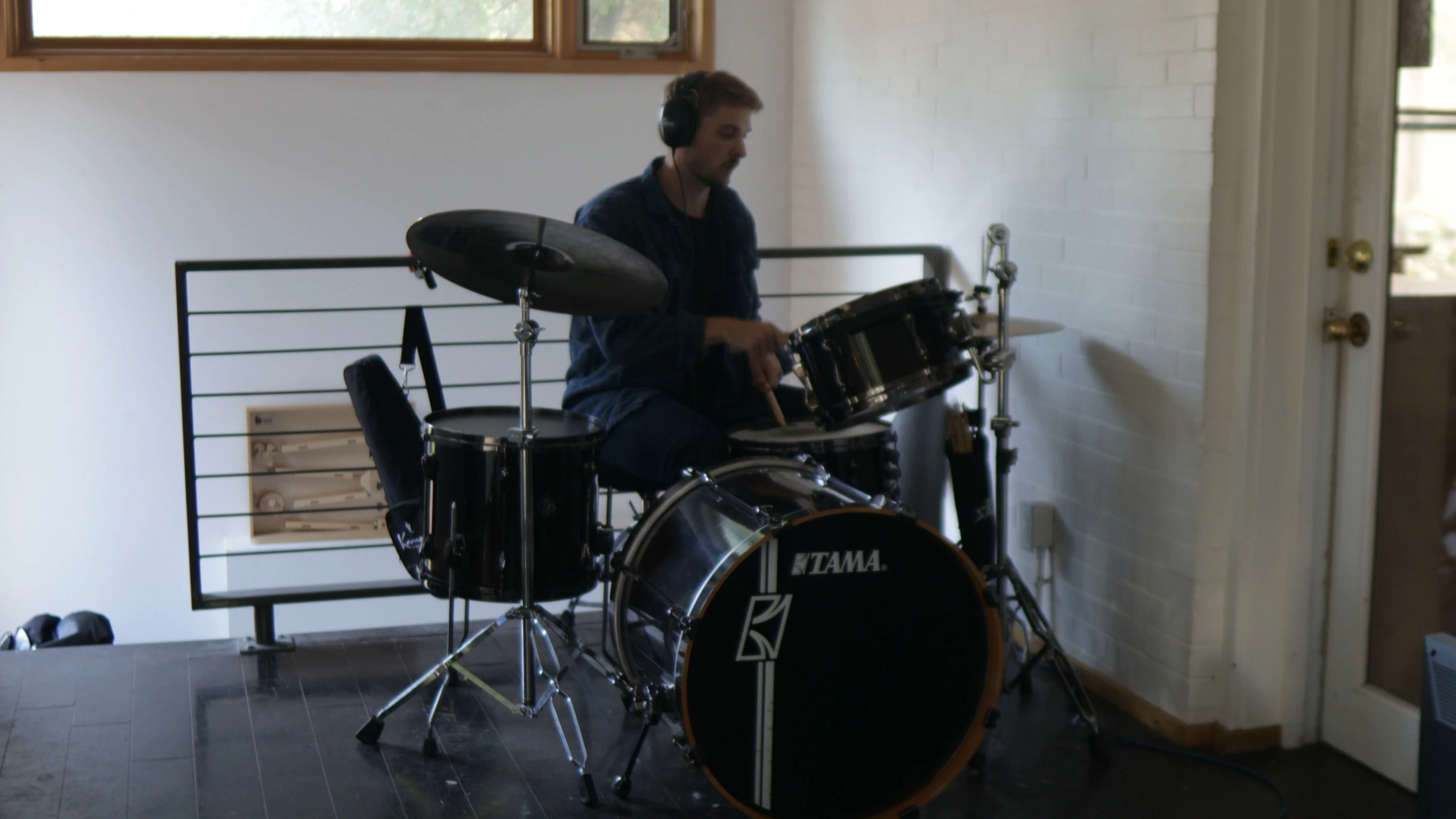
For acoustic drums, the results were more hit-or-miss. I tested with Maybe’s “Girlhood” and the quality varied wildly between tools. Vocalremover.org sounded rough. Lalal.ai was inconsistent - sometimes decent, sometimes not.
My recommendation? For the absolute best drum sound, recreate them yourself. No stem splitter perfectly captures the transient detail of real drums. But if you need a quick extraction, Moises and UVR delivered the most usable results.
Best Free Option
Two tiers here depending on what you need.
For Beginners - Your DAW
If you’re already using a DAW like Logic, FL Studio, Ableton, or Cubase, you already have a stem separator built in. No email signup, no account creation, no credit card.
It’s free, it’s basic, and it works. The quality won’t blow you away, but for quick extractions and casual use? Totally fine.
For Power Users - UVR (Ultimate Vocal Remover)
This is the one. Free, open source, and packed with some of the best separation algorithms available.
Yes, it requires a bit more setup than dragging a file into a website. But it’s really not that complicated - download it, pick a model, run your file. The learning curve is maybe 15 minutes.
The real power of UVR is that you can experiment with different algorithms to find the best sound for your specific track. Kim Vocals 2 for clean vocal extraction, MDX 23xc for instrumentals - once you learn which models work best for which use case, it’s hard to go back to anything else.
Pro Tip: Run your track through multiple algorithms and compare. Different models excel at different things, and the best result often comes from trying 2-3 options.
Biggest Surprise
Lalal.ai - because I’ve used it so many times and genuinely thought it was good.
It’s not. It’s mediocre.
I compared Lalal.ai’s vocal extraction against Moises using Ooyy’s “The World” - and the difference was stark. Lalal.ai left noticeably more instrumental bleed in the vocal stem. The separation just wasn’t as clean.
I’d been paying for this tool for over a year thinking it was one of the best options out there. After running it through the same test battery as everything else… it consistently landed in the middle of the pack.
Sometimes the tool you’re used to isn’t the tool you should be using. That one stung a little.
Biggest Letdowns
RipX
RipX is an entire DAW dedicated to stem separation - which sounds amazing on paper. The ability to move individual notes around in real time is genuinely cool technology.
But the actual separation quality? Didn’t stack up.
The vocal extractions had added noise, and the separation wasn’t clean enough for professional use. Cool features, underwhelming results where it matters most.
Izotope RX 11
This one hurt. RX is legendary in the audio world - it’s the tool professionals reach for when they need to clean up audio. So I expected the stem splitting feature to be top-tier.
It wasn’t. The results sounded phasey and filtered too often. And to make it worse, the stem separation feature is kind of buried in the settings. For a tool that costs as much as RX 11, the stem splitting should be better than this.
Main Score: 5.6. Secondary Score: 3.95. The lowest secondary score of anything I tested.
Best DAW-Native Stem Separator
Not every DAW has a built-in stem separator, but the ones that do offer seamless integration, fast processing, and zero extra cost.
The winner here? Ableton.
Even though it’s the slowest of the DAW options for processing, Ableton’s separation quality was noticeably better than FL Studio, Cubase, and Logic’s native tools.
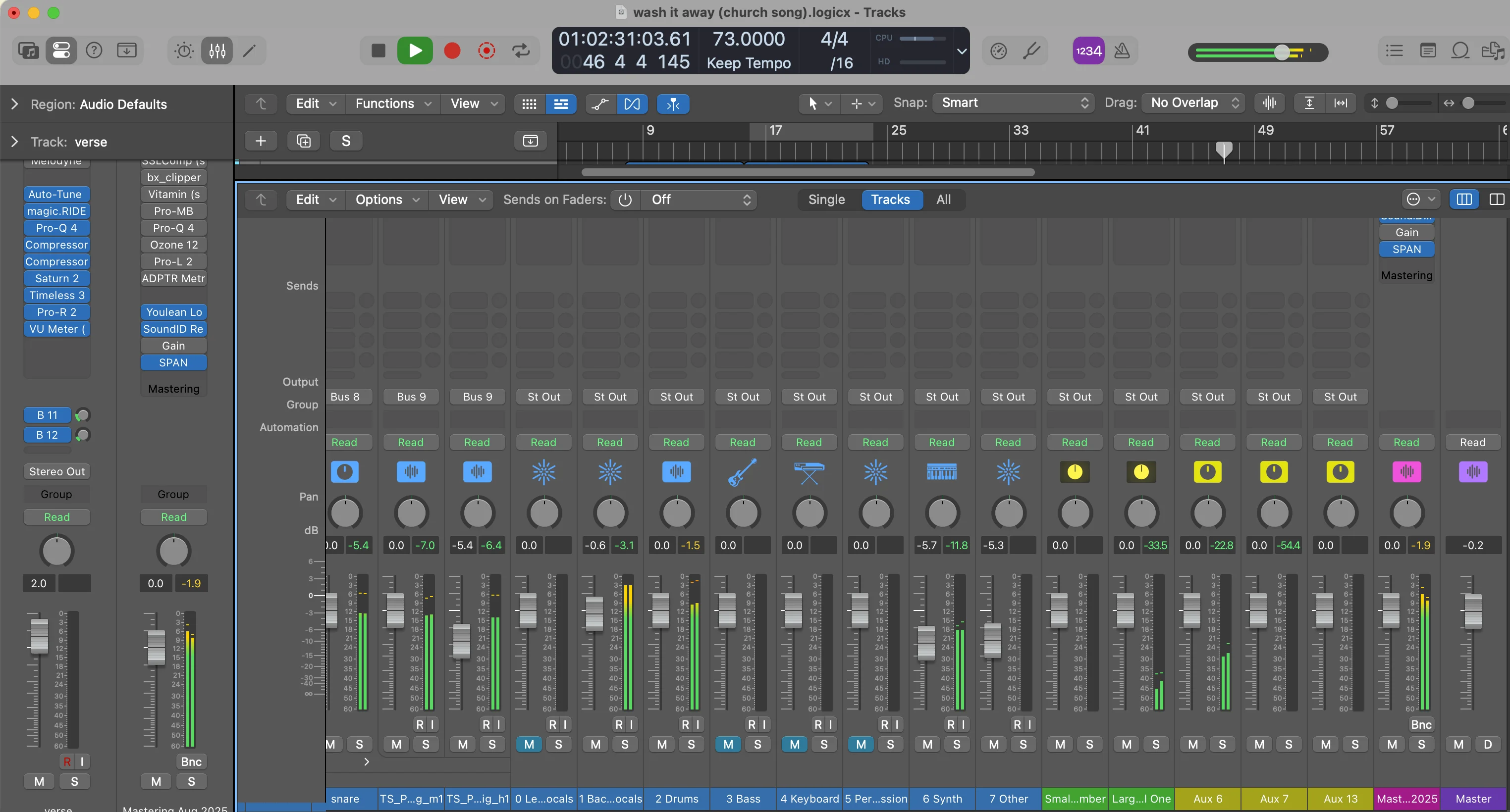
I tested all four DAW separators with Sully Bright’s “Will Always” - an acoustic folk track. FL Studio sounded average. Ableton sounded cleaner with better preservation of the acoustic guitar’s tone.
Quick rundown of the DAW options:
- Ableton - Best sounding, but slowest processing
- Logic - Easy to use, sounds about average
- FL Studio - Has a de-reverb feature that takes forever and doesn’t sound great
- Cubase - Convenient if you’re already in it, but one of the weaker sounding options
Rapid Fire Thoughts
- Fadr: Fast and feature-rich on paper, but the vocal quality wasn’t competitive. Main Score: 4.9.
- Audimee: Not great separation, mid results, clunky interface. Wouldn’t recommend. Main Score: 4.55.
- RX 11: Disappointing given the reputation - phasey and filtered too often. Hidden in the settings. Main Score: 5.6.
- Cubase: Convenient if you already use it, but one of the weaker sounding DAW options. Main Score: 5.35.
- FL Studio: Sounds average. The de-reverb feature takes forever and doesn’t sound that great. Main Score: 6.2.
- Logic: Easy to use, sounds about average. Main Score: 6.55.
- Vocalremover.org: Free and easy to use for the first few songs. Sounds mediocre, and you run into usage limits quick. Main Score: 4.2.
The Full Results
Here’s how every stem splitter scored across all categories.
| Tool | Separation | Artifacts | Tone | Options | Overall Quality | Main Score | Ease of Use | Speed | Value | Secondary Score |
|---|---|---|---|---|---|---|---|---|---|---|
| UVR | 8 | 7 | 9 | 9 | 9 | 8.05 | 5 | 6 | 10 | 7.05 |
| Moises | 8 | 7 | 9 | 7 | 9 | 7.85 | 9 | 9 | 7 | 8.3 |
| Ableton | 7 | 7 | 9 | 5 | 8 | 7.2 | 7 | 5 | 7 | 6.4 |
| Logic | 6 | 6 | 9 | 6 | 7 | 6.55 | 8 | 8 | 7 | 7.65 |
| Lalal.ai | 5 | 6 | 9 | 6 | 7 | 6.2 | 6 | 8 | 6 | 6.6 |
| FL Studio | 5 | 6 | 9 | 6 | 7 | 6.2 | 8 | 8 | 7 | 7.65 |
| Izotope RX 11 | 5 | 5 | 9 | 4 | 6 | 5.6 | 4 | 5 | 3 | 3.95 |
| RipX | 3 | 6 | 8 | 8 | 5 | 5.35 | 9 | 6 | 5 | 6.7 |
| Cubase | 4 | 5 | 9 | 5 | 6 | 5.35 | 8 | 8 | 7 | 7.65 |
| Fadr | 3 | 5 | 7 | 8 | 5 | 4.9 | 8 | 8 | 4 | 6.6 |
| Audimee | 3 | 5 | 8 | 3 | 5 | 4.55 | 7 | 7 | 4 | 5.95 |
| Vocalremover.org | 3 | 4 | 7 | 4 | 5 | 4.2 | 7 | 6 | 7 | 6.7 |
Weights for Main Score: Separation 35%, Artifacts 30%, Tone 15%, Options 10%, Overall Quality 10%
Weights for Secondary Score: Ease of Use 35%, Speed 30%, Value 35%
Best Overall
It depends on who you are and what you need.
For Hobbyists
Your DAW’s built-in stem separator is fine. It’s free, it’s right there, and for casual use - pulling a vocal for a remix, grabbing an instrumental for a video - it gets the job done without any extra steps.
For High Quality + Easy Workflow
Moises. It scored the highest secondary score (8.3) of anything I tested, meaning it’s fast, easy, and a good value. But it also delivered the second-highest main score (7.85) - so you’re not sacrificing quality for convenience. If you want something you can just drag a file into and get great results, this is it.
For Power Users
UVR (Ultimate Vocal Remover). It earned the highest main score of everything I tested at 8.05. It’s free, it’s open source, and the algorithm library gives you more control over the output than any other tool. The trade-off is that it requires more setup and experimentation - but once you dial it in, nothing else comes close.
The gap between the best and worst stem splitters is massive. UVR and Moises are in a completely different league from tools like Audimee, Vocalremover.org, and even some options you’d expect to be better - like Izotope RX 11 and Lalal.ai.
No matter which tool you pick, remember: no stem splitter perfectly recreates the original stems. If you can get the real stems from the artist or producer, always do that first. These tools are incredible for when you can’t - but they’re still AI approximations, not magic.
If you liked this breakdown, check out my post on the best AI music tools - I tested over 100 of them and only 7 were worth using.
Want a professional starting point? My Vocal Magic presets give you ready-made vocal chains for any genre — EQ, compression, reverb, and more, all dialed in and ready to go.
Or grab my free vocal presets to try before you buy.
About Mattie
Mattie is a music producer, songwriter, and educator specializing in Logic Pro and vocal production. With over 10 years of experience in the music industry, he's helped thousands of artists transform their home studio recordings into professional-quality tracks.
As the founder of Music By Mattie, he creates tutorials, presets, and courses that simplify complex production techniques. His mission is to make professional music production accessible to everyone, regardless of budget or experience level.