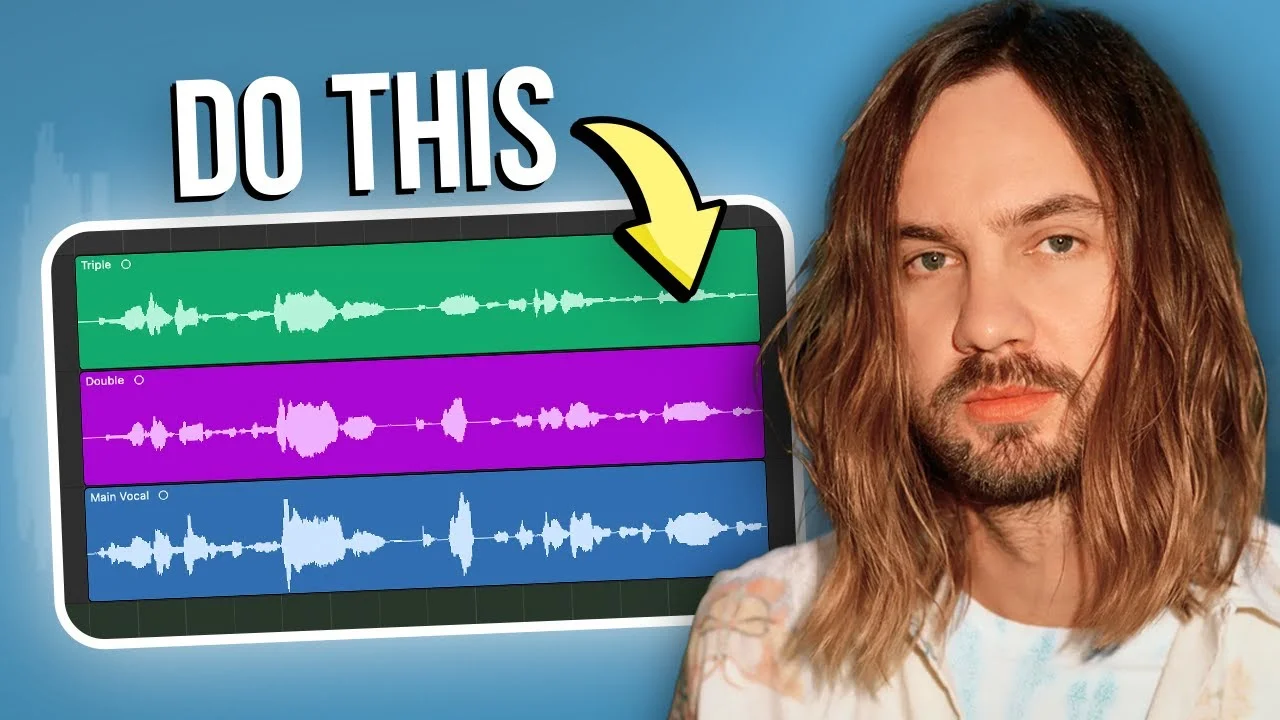
How To Sound Like Tame Impala (Stock Plugins Only!)
Tame Impala's vocals are one of a kind! But how does he get his voice to sound so heavenly? In this video, I'll break down some techniques Tame Impala uses to m

Key Takeaways
- Use an SM7B microphone to capture that warm, vintage tone that works perfectly with Tame Impala processing.
- Layer two compressors in series - a Vintage FET followed by Vintage Optical for controlled dynamics.
- Create two separate reverb buses and send the same reverbs to all your instruments for cohesive space.
- Add subtle clip distortion at 30% mix to get that characteristic grit in the higher frequencies.
- Desync your delays from the tempo so they stand out more instead of blending with the track.
Tame Impala’s vocals are pure sonic magic — that dreamy, ethereal quality that makes you feel like you’re floating through space.
But here’s the thing: you don’t need expensive vintage gear to get that sound. I recreated Kevin Parker’s entire vocal chain using nothing but stock Logic Pro plugins, and I’m about to show you exactly how to do it.
The transformation is wild. Here’s what we’re working with — a dry vocal that sounds pretty normal, transformed into something that could’ve been pulled straight from Currents.
I also made a full video on this…
All the ideas in this article come from the video below. If you don't feel like reading, well, I gotchu.
Part of the DAWs & Production Software series — For the full picture, read my full DAW comparison guide.
## The Foundation: Getting Your Recording Right
Before we dive into the effects wizardry, let’s talk about the source.
I recorded this vocal on an SM7B — the same mic I’m using right now. This dynamic mic is perfect for capturing that vintage, classic tone you hear all over Tame Impala’s records. You could use a condenser, but starting with the right mic makes everything easier.
The SM7B gives you that slightly compressed, warm character that works beautifully with the processing we’re about to add. It’s not too bright, not too dark — just right for this dreamy aesthetic.
## Step 1: Taming the Frequencies with EQ
Every great vocal starts with good EQ, and Tame Impala’s sound is no exception.
First up in the chain: Logic’s standard EQ. I’m cutting out a lot of the low-mid information that’s making the vocal sound boxy and removing the ultra-low end with a high-pass filter. Your exact settings will depend on your mic, voice, and room acoustics, but this is the foundation.
Here’s where it gets interesting — I’m adding Logic’s Vintage Tube EQ to capture that classic sound. This plugin emulates a Pultec EQ, and it’s absolutely perfect for the Tame Impala aesthetic.
I’m boosting the high frequency around 10kHz with a broad band to add some sparkling high-end. The Pultec-style EQ adds natural harmonic distortion that gives the vocal that vintage character.
But wait — there’s more. I’m also cranking up the silky output on this EQ to add some natural tube distortion. This subtle saturation is huge for getting that warm, vintage tone that defines Tame Impala’s sound.
## Step 2: Compression for Consistency and Character
Time for some serious compression — we’re using [two compressors in series](/blog/i-analyzed-3-054-hit-vocals-heres-exactly-how-much-they-compress) to get that controlled, upfront vocal sound.
Primary Compressor: Vintage FET
The first compressor is Logic’s [Vintage FET, which emulates the legendary 1176](/blog/perfect-compressor-settings). This is one of my absolute favorites for vocals.
Settings:
- Ratio: 3:1 (moderate compression)
- Attack: 40ms (medium attack to preserve transients)
- Release: 60ms (medium release)
- Target: 5-10dB of gain reduction
I’m also adding a touch of the soft distortion that comes with this compressor model. It adds some extra character and helps the vocal sit in the mix.
Secondary Compressor: Vintage Optical
The second compressor is doing cleanup duty. I’m duplicating the first compressor (hold Option and drag in Logic) but switching it to Vintage Optical mode, which emulates an LA-2A.
Settings for the optical:
- Ratio: 2:1 (smoother compression)
- Attack: Faster than the first compressor
- Release: Slower to catch things the first one missed
- Target: Another 5dB of gain reduction
This two-compressor approach gives you incredibly controlled dynamics without sounding over-compressed. The vocal stays consistent but retains its natural feel.
## Step 3: Adding Grit with Clip Distortion
Here’s where we start getting into the more creative processing. Tame Impala’s vocals have this subtle grit that comes from harmonic distortion.
I’m using Logic’s Clip Distortion plugin, but first I need to set it up properly. By default, it has some filtering that we don’t want — I’m dragging those handles up to remove the high-shelving and low-pass filtering.
The key is subtlety here. I’m setting the mix to about 30% and adjusting the input gain to control the amount of distortion. More input gain equals more distortion, but remember to compensate with the output gain so you’re not just making it louder.
This distortion adds harmonic energy in the higher frequencies, helping the vocal cut through the mix and giving it that slightly edgy, rock-anthem feel that’s all over Tame Impala’s records.
## Step 4: Creating Space with Delay
Now we’re getting into the spatial effects that really define the Tame Impala sound. Let’s start with delay.
I’m using Logic’s Stereo Delay, but here’s the crucial part — I’m desyncing it from the tempo. When delay is synced to the BPM, it blends with the track. When it’s desynced, it stands out more, which is exactly what we want.
Settings:
- Left delay: 60ms
- Right delay: 150ms
- Different values for stereo width
The different left and right delay times create a wider stereo image. I’m also using the low-cut and high-cut filters to shape the delay, removing the super highs and lows so it doesn’t compete with the dry vocal.
The mix is set to around 25% — enough to hear it clearly but not overwhelming.
## Step 5: The First Reverb Bus
Here’s where things get serious. I’m creating two separate reverb buses to layer different types of space.
For the first bus, I’m using Logic’s Space Designer with a large hall impulse response. The “Warm Hall” preset works perfectly here.
Key settings:
- Wet signal: 100% (since this is a bus)
- Pre-delay: 1/128th note (synced to tempo)
- EQ after the reverb to shape the sound
The pre-delay is crucial — it creates separation between the dry vocal and the reverb, keeping the lyrics intelligible even with all this space around them.
I’m adding an EQ after the Space Designer to band-pass the reverb, cutting the highs and lows to focus on the midrange, then boosting around 2-6kHz for some sparkle.
## Step 6: The Special Reverb Bus (With Flanger!)
The second reverb bus is where the magic really happens. Instead of Space Designer, I’m using ChromaVerb set to “Vocal Hall” with a 4-second decay time.
But here’s the secret sauce — after the EQ, I’m adding a flanger to this reverb bus. This isn’t something you’d normally do, but it’s exactly what I’m hearing in the original Tame Impala tracks.
The flanger creates an EQ resonance peak that sweeps across the stereo spectrum, giving the reverb this unique, otherworldly character. It’s subtle, but it’s what separates amateur Tame Impala covers from the real deal.
I’m also adding a de-esser before the reverb to control harsh sibilants that get exaggerated by all this processing.
## Step 7: Layering the Background Vocals
Tame Impala’s magic isn’t just the lead vocal — it’s all the layers working together.
I’m copying this entire vocal chain to multiple tracks:
- Doubled vocals panned left and right
- Octave doubles for thickness
- Background vocals panned away from center
- Harmonies spread across the stereo field
Each layer gets the same basic processing, but I’m adjusting:
- Volume levels for blend
- Reverb send amounts for depth
- Panning for width
The background vocals get extra reverb and delay during the chorus sections to create even more atmosphere when the song opens up.
## My Favorite Mixing Secret
Here’s the tip that ties everything together: use the same reverb buses on your instruments.
Those two reverb buses we created for the vocals? Route your drums, guitars, and other instruments to them too. This puts everything in the same acoustic space, creating a cohesive sound that’s way bigger than the sum of its parts.
This is exactly what Tame Impala does in his productions. The vocals, drums, guitars — everything lives in the same dreamy reverb space. It’s what makes those records sound so immersive and unified.
I’m sending just a touch of the drums to both reverb buses, and suddenly they’re not just sitting on top of the mix — they’re part of the same sonic world as the vocals.
## The Final Result
When everything comes together, the transformation is incredible.
The dry vocal we started with — pretty standard, nothing special — now sounds like it could be on Lonerism or Currents. That ethereal, floating quality that makes Tame Impala’s vocals so addictive.
But here’s what’s really wild: we achieved this using only stock Logic Pro plugins. No expensive vintage compressors, no boutique reverb units, no rare preamps. Just the tools that come with your DAW.
## Breaking Down the Magic
So what makes this vocal chain work so well for the Tame Impala sound?
The vintage-modeled plugins give us that classic character without the classic price tag. The Pultec EQ, 1176 and LA-2A compressors — these are the same types of processors used on countless classic records.
The dual reverb approach creates complexity and depth that a single reverb can’t match. The normal hall reverb gives us size and space, while the flanged reverb adds that unique Tame Impala character.
The spatial processing — different delay times, stereo panning, layered vocals — creates width and movement that makes the vocal feel three-dimensional.
The cohesive reverb treatment across all instruments puts everything in the same sonic space, just like a real recording session in a great-sounding room.
## Your Turn to Create Magic
The best part? You can download this entire vocal chain for free from my website. It’s available for Logic, FL Studio, and Ableton users.
But more importantly, now you understand the principles behind the sound. You can take these concepts — vintage-style processing, dual reverb buses, spatial effects, cohesive reverb treatment — and apply them to your own productions.
Tame Impala’s vocal sound isn’t about expensive gear or secret techniques. It’s about understanding how different processors work together to create something larger than life.
Your DAW already has everything you need to create professional, radio-ready vocals. You just need to know how to use it.
Time to make some magic happen.
Want a professional starting point? My Vocal Magic presets give you ready-made vocal chains for any genre — EQ, compression, reverb, and more, all dialed in and ready to go.
Or grab my free vocal presets to try before you buy.
About Mattie
Mattie is a music producer, songwriter, and educator specializing in Logic Pro and vocal production. With over 10 years of experience in the music industry, he's helped thousands of artists transform their home studio recordings into professional-quality tracks.
As the founder of Music By Mattie, he creates tutorials, presets, and courses that simplify complex production techniques. His mission is to make professional music production accessible to everyone, regardless of budget or experience level.