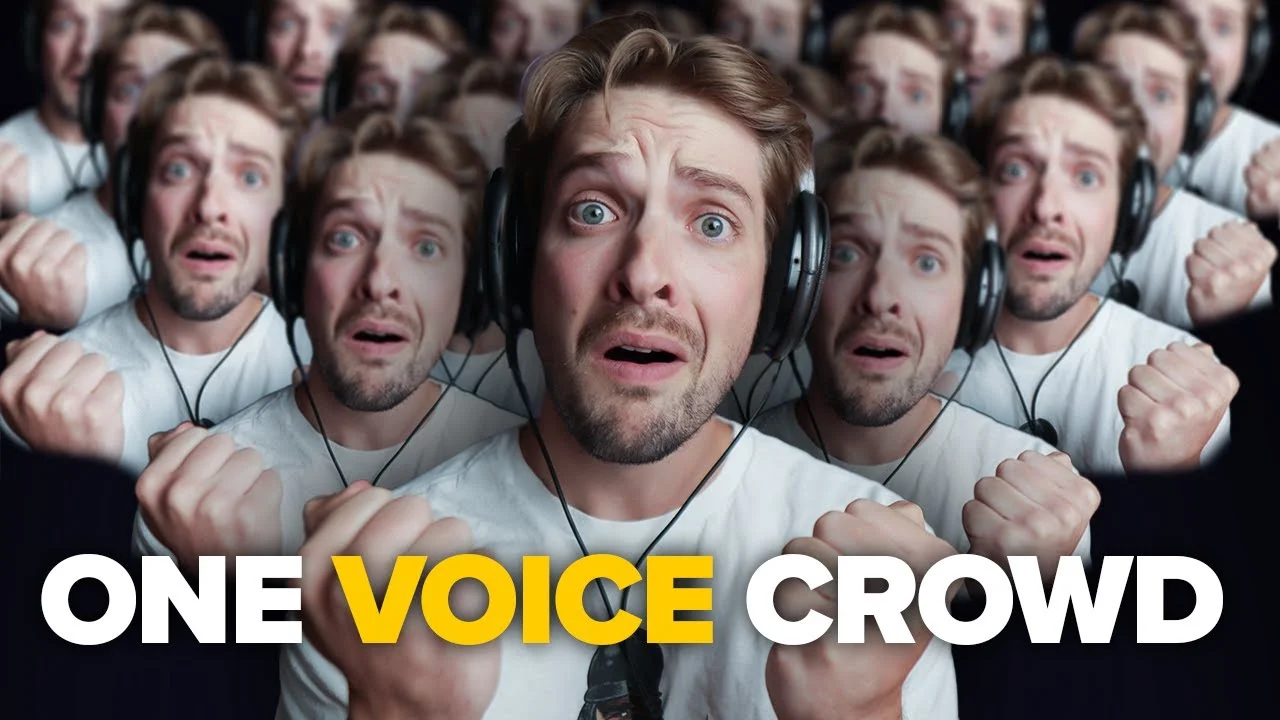
How To Make A Crowd Chant with just ONE VOICE
You don't need a mountain of people to record some awesome sounding crowd chants! Nope! You can do it all with just your OWN VOICE. In this video, I'll detail s

Key Takeaways
- Record at least 20-30 takes of the same chant to create realistic variation.
- Vary your distance from the microphone to mimic how real crowds sound.
- Use AI voice conversion tools to add different vocal textures to your stack.
- Pan voices strategically across the stereo field to create a surrounding wall of sound.
- Apply consistent reverb to glue all voices together in the same acoustic space.
You want that epic crowd chant sound in your tracks, but there’s one tiny problem — you’re just one person sitting alone in your home studio.
No backup singers. No choir hiding in your closet. Just you and your microphone.
Here’s the thing though: you don’t actually need a crowd to make a crowd chant. I created a full, realistic group chant using nothing but my own voice and some clever techniques. And yeah, it sounds legit.
The secret? Multiple recording techniques, strategic processing, and a little help from AI. Let me break down exactly how to turn your solo voice into a convincing crowd.
I also made a full video on this…
All the ideas in this article come from the video below. If you don't feel like reading, well, I gotchu.
Part of the Recording Vocals series — For the full picture, read my complete guide to recording vocals at home.
Recording Technique #1: Volume Through Repetition
The foundation of any good crowd chant is quantity. We’re not talking about recording it twice and calling it done.
We’re talking about 50+ takes.
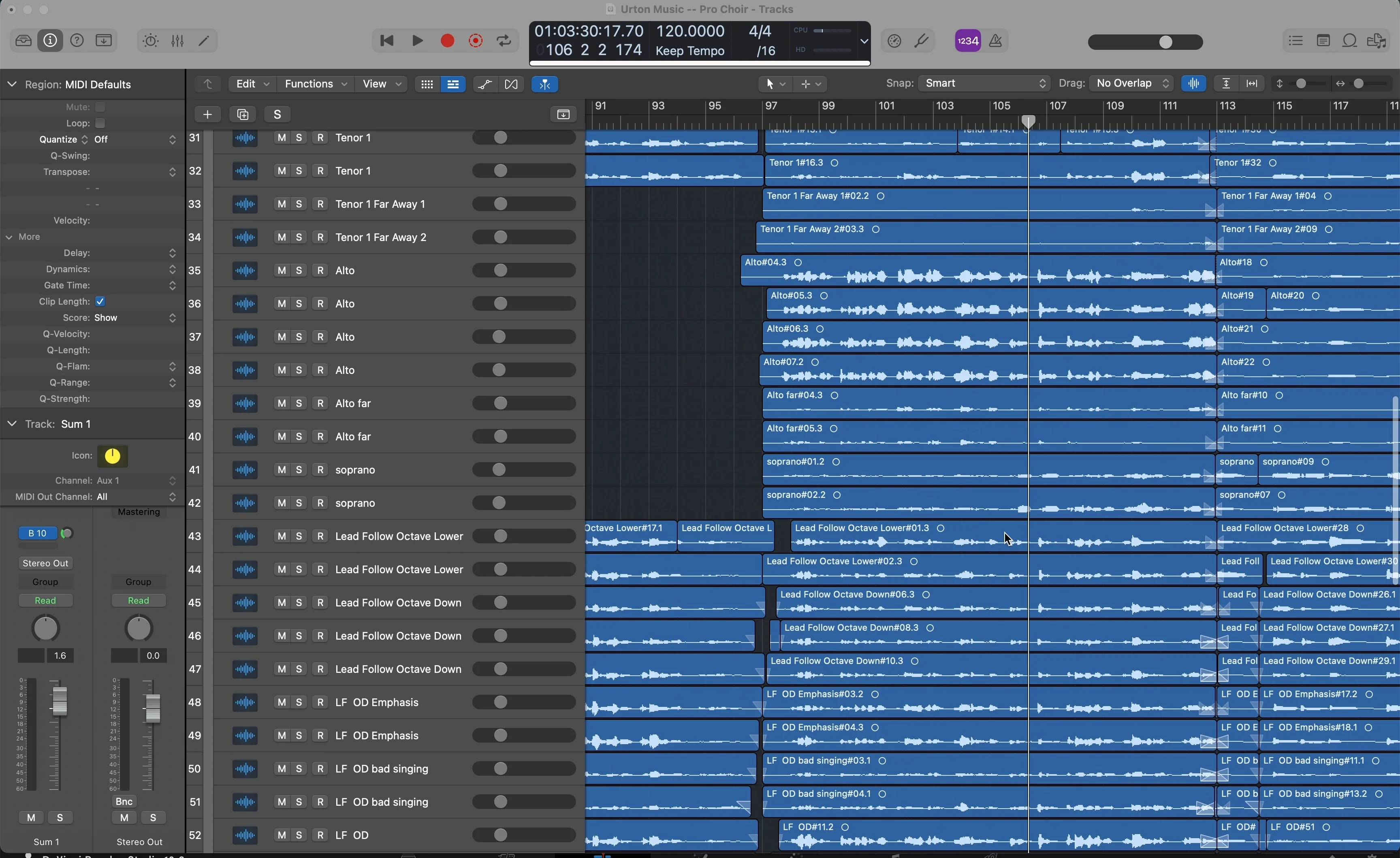
Seriously. This effect isn’t happening with just a couple of recordings. You need a mountain of voices to create that thick, layered sound that makes people believe there’s actually a group singing.
Here’s why this works: even though you’re trying to keep your voice consistent, there are inevitable small differences between each take. Tiny variations in timing, pitch, tone, and delivery. These microscopic discrepancies are exactly what create the illusion of multiple people.
I recorded the same “Hey let’s go” chant multiple times, and the difference is night and day:
- 4 voices: sounds like one person with some doubling
- 14+ voices: starts sounding like an actual group
The more takes you record, the more realistic it becomes. Your voice naturally varies between recordings — embrace those imperfections. They’re what sell the effect.
Key takeaway: Start with at least 20-30 takes of the same chant. Keep your delivery consistent, but don’t stress about making it perfect. The variations are your friend.
Technique #2: Play with Microphone Distance
Real crowds don’t all stand the same distance from the microphone. Some people are close, others are farther back. We can replicate this by varying our distance from the mic during recording.
Record some takes up close to the microphone. Record others from farther back. Hell, record some upside down if you want. The point is to vary the sonic characteristics.
Here’s the magic: when you move farther from the microphone, you naturally pick up more room noise. In most recording scenarios, room noise is the enemy. But for crowd chants? It’s pure gold.
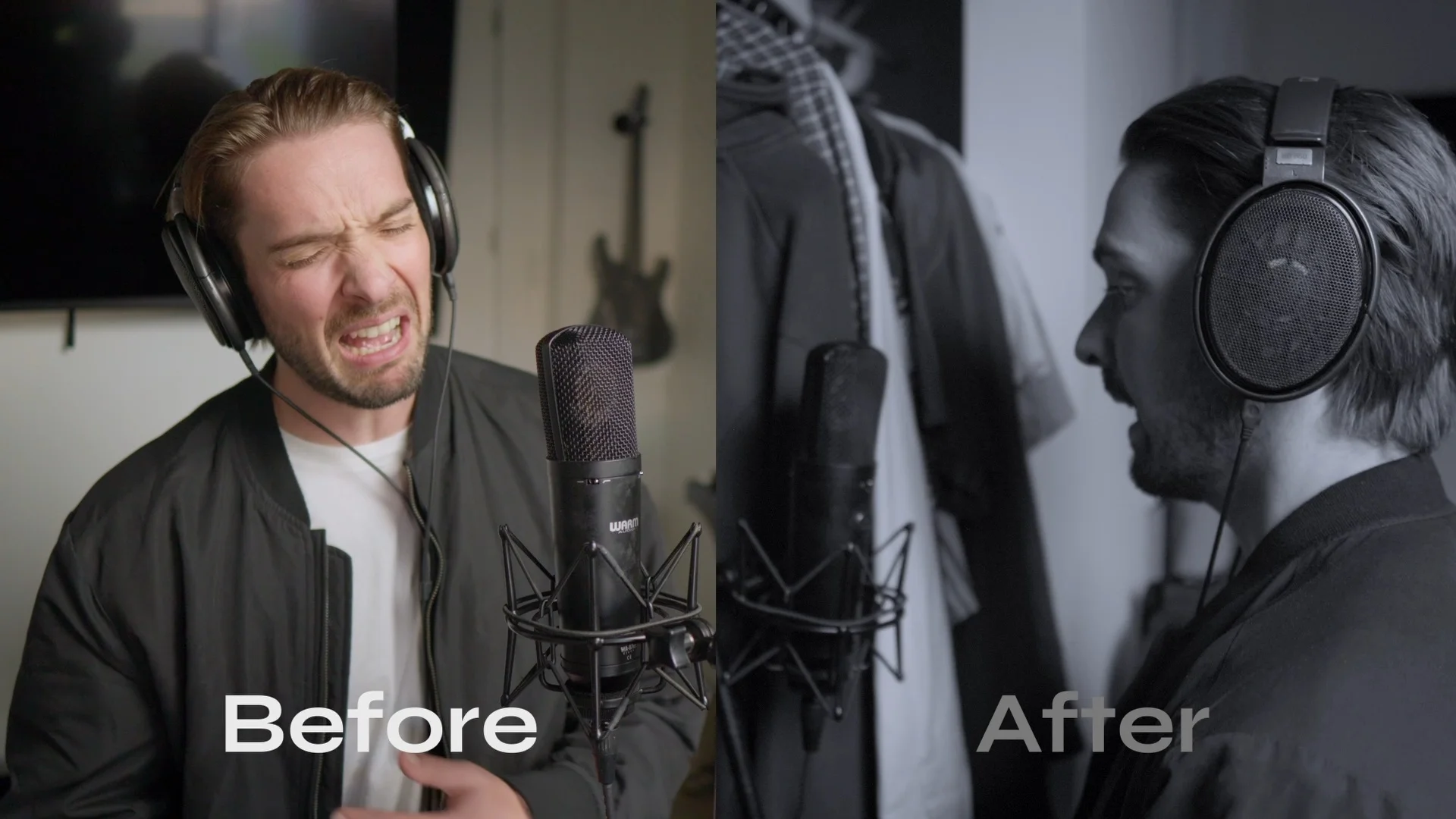
That ambient room sound adds realism — it makes the listener feel like they’re actually in a space with multiple people chanting.
I recommend doing this in a semi-treated room like mine. You want some acoustic treatment on the walls, but not a completely dead space. Without any acoustic panels, your microphone will pick up too much room noise, making it harder to process the vocals later.
The technique is simple:
- Record 5-10 takes close to the mic (6-12 inches away)
- Record 5-10 takes at medium distance (2-3 feet away)
- Record 5-10 takes farther back (4+ feet away)
Each distance gives you a different sonic fingerprint. When you layer them all together, it creates depth and space that mimics a real crowd environment.
Technique #3: Switch Up Your Microphones
This step is optional — you can skip it if you only have one microphone. But if you’ve got multiple mics, switching between them adds another layer of realism.
Different microphones have different sonic characteristics. A condenser mic like the TLM 103 sounds completely different from a dynamic mic like the SM7B. These tonal differences help create the illusion that different people (with different voices) are singing.
I started with a TLM 103 for my first batch of recordings, then switched to an SM7B for contrast. The condenser gave me that crisp, detailed sound, while the dynamic mic provided a warmer, more colored tone.
You can rinse and repeat techniques 1 and 2 on each different microphone. This gives you even more variety in your vocal stack.
Pro tip: If you have access to different microphone types (ribbon, dynamic, condenser), use them all. The more sonic variety, the more convincing your crowd becomes.
Technique #4: AI Vocalists (The Game-Changer)
Here’s where things get interesting. We’re going to use AI voice conversion to add completely different voices to our chant.
I used a platform called Kits.ai for this. You can sign up for a free account and get access to one AI voice for free. You can upload up to five audio files at once, which is perfect for our needs.
Here’s my process:
- Upload your best takes to the AI voice converter
- Choose a voice that contrasts with your natural voice (I went with female voices since I’m male)
- Download the converted audio files
- Import them into your DAW alongside your original recordings
I experimented with different AI voices:
- Female French Pop (interesting but not quite right)
- Female Trap (much better fit)
The AI-converted voices don’t sound perfect — they’re definitely processed and can sound a bit weird. But in the context of 50 voices layered together, they add valuable texture and variety.
Reality check: AI vocalists are helpful, but they’re not magic. The best results come from recording actual different people if you can convince friends or collaborators to contribute a quick chant. But if you’re working solo, AI voices are a solid option for adding variety.
Keep in mind that 5 AI voices mixed with 45+ of your own recordings won’t dramatically change the overall sound, but every little bit of variation helps.
Technique #5: Processing and Mixing
Now comes the fun part — turning all these individual recordings into one cohesive, powerful chant.
Panning for Width
The key to a convincing crowd chant is strategic panning. You want these voices to surround the listener, creating a wall of sound.
My panning approach:
- Keep your sides balanced — for every voice panned hard left, pan one hard right
- Spread voices across the stereo field (not just hard left/right)
- Avoid clustering too many voices on one side (sounds lopsided)
Level Balancing
This is where your ears are your best tool. There’s no magic formula, but here are my guidelines:
- Keep your best takes slightly louder
- Push weaker takes into the background
- Don’t stress about perfection — with 50+ voices, they’ll blend together naturally
Grouping for Efficiency
With this many vocal tracks, group them together in your DAW. This makes processing much faster and keeps your session organized.
EQ: Clean Up the Low End
Start with EQ to remove unnecessary low-end frequencies. Crowd chants don’t need sub-bass content, and cleaning up the low end helps everything sit better in a full mix.
I also often dip around 300 Hz if things sound muddy, and sometimes roll off some high-end so the vocals blend better with other instruments.
Compression for Glue
Add subtle compression to the grouped vocals to glue them together. My settings:
- Low ratio (2:1 to 3:1)
- Medium-slow attack
- Slow release
This creates consistent volume across all the chants and helps them sit as one cohesive element rather than 50 separate voices.
Since I kept my recording levels pretty consistent, I didn’t need aggressive compression. But if you recorded some really dynamic parts, you might need more.
Spatial Effects: Reverb and Delay
Finally, add spatial effects to sell the illusion. Reverb is the most important here.
Pro tip: Use the same reverb you’re using on other instruments in your track. This puts everything in the same acoustic space and helps the chant blend naturally with your production.
For this demonstration, I chose a reverb that sounded cool and spacious. In a real production, I’d match it to the overall vibe of the song.
The Final Result
After all this work — 50+ vocal recordings, distance variations, multiple microphones, AI voice conversion, and careful processing — here’s what we get:
A chant that genuinely sounds like a group of people. Not one person with some doubling. An actual crowd.
The layered complexity, spatial positioning, and sonic variety create something that your brain interprets as multiple voices. Mission accomplished.
Don’t Let Solo Production Hold You Back
Look, I get it. Being a solo producer can feel limiting sometimes. You hear these massive crowd chants in professional tracks and think you need a whole crew to make it happen.
But you don’t. With patience, the right techniques, and some creative processing, you can create convincing crowd effects all by yourself.
The key is understanding that realism comes from variation. Different distances, different microphones, different voices (even AI ones), and careful mixing. Layer enough variations together, and your brain stops hearing one person and starts hearing a crowd.
So next time you need that epic group chant for your track, don’t let your “lonesome producer self” hold you back. Grab your microphone, clear your schedule for a recording session, and start building your crowd one voice at a time.
It works. I just proved it.
Want a professional starting point? My Vocal Magic presets give you ready-made vocal chains for any genre — EQ, compression, reverb, and more, all dialed in and ready to go.
Or grab my free vocal presets to try before you buy.
About Mattie
Mattie is a music producer, songwriter, and educator specializing in Logic Pro and vocal production. With over 10 years of experience in the music industry, he's helped thousands of artists transform their home studio recordings into professional-quality tracks.
As the founder of Music By Mattie, he creates tutorials, presets, and courses that simplify complex production techniques. His mission is to make professional music production accessible to everyone, regardless of budget or experience level.